The Set Template Dialog
The Set Template Dialog lets you set a default template for a named-file or a named-paths group.
Templates give you a way to build a path for physical files within a named-file or for run results within the name of a run. (Runs are named for the named-paths group that was applied). A more specific path gives you the ability to:
- Map to other systems’ layouts
- Separate data based on a criteria like customer, date, etc. to aid browsing or references
- Do rewind/replay runs in a separate space
Templates are static paths with, optionally, embedded tokens that pull in path segments from a data file’s original location.
For more on templates in FlightPath see this how-to. For more about templates in CsvPath Framework see csvpath.org
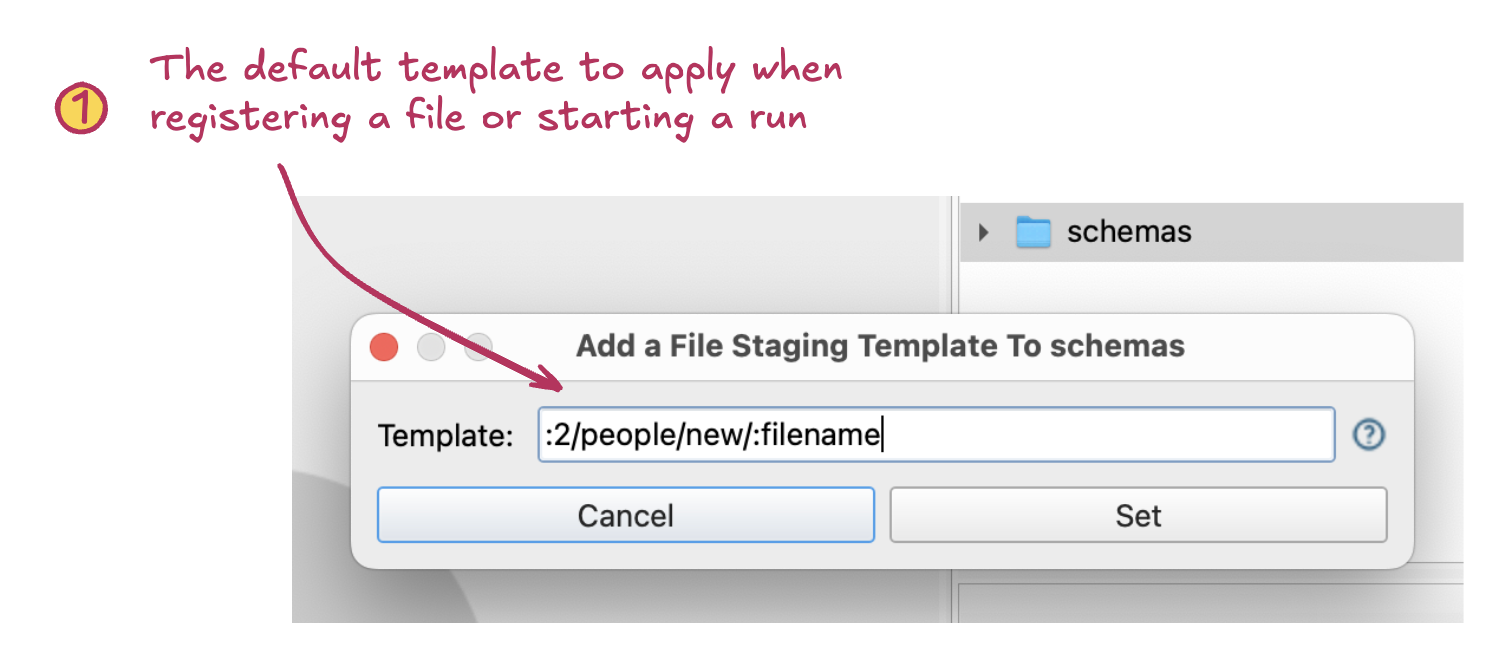
- Template. The template that will be the default for registrations or runs. The default template can be overridden. Templates may refer to the original location of a registered file.