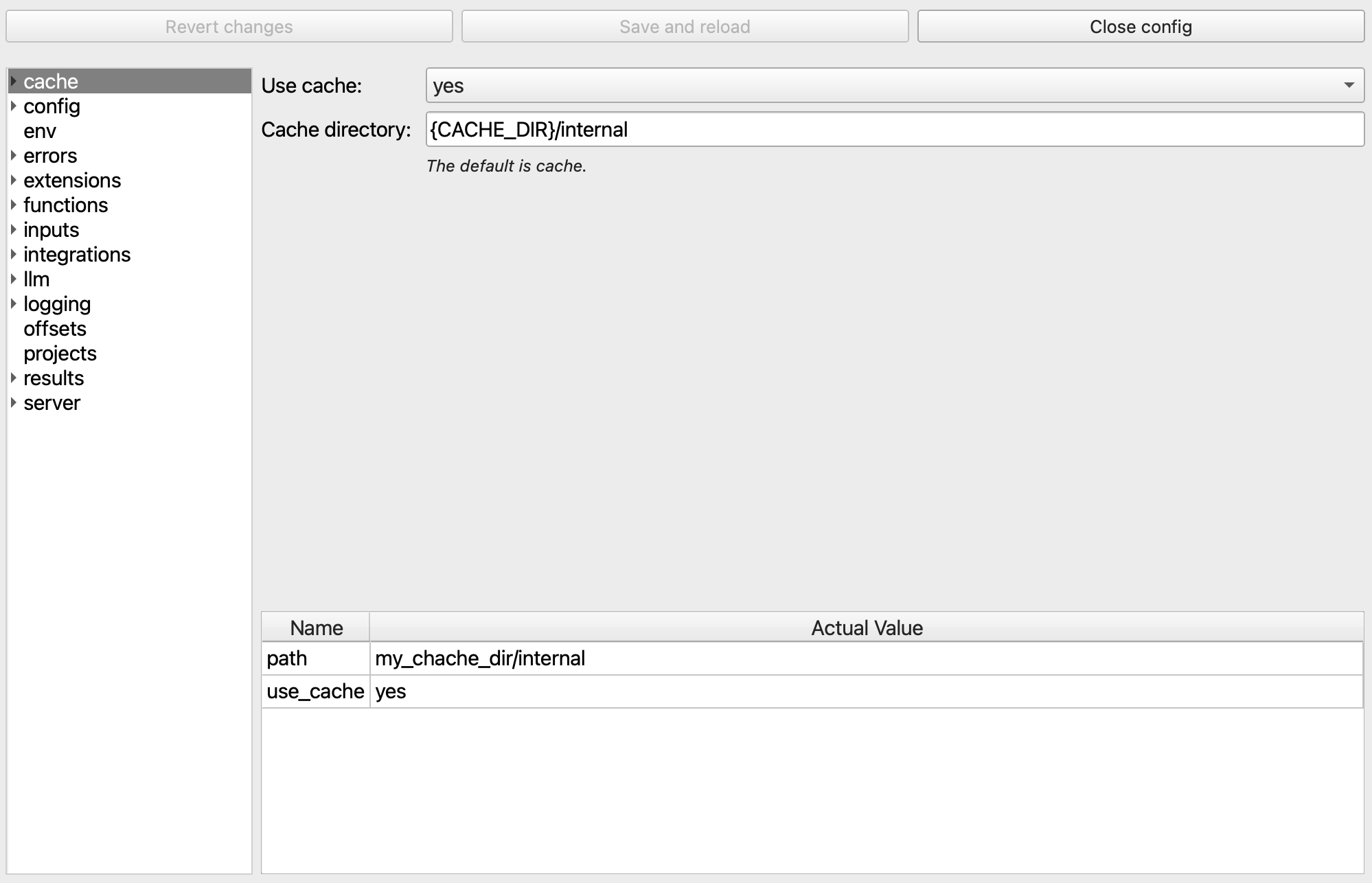
Actual Value Tables
Most of the config forms have a table at the bottom called the Actual Value Table. The Table gives you a view of the values that FlightPath sees after variable substitution and interpolation.
Variable substitution
- Open the Config Panel using the
Open configbutton at the lower left - Switch to the
envform - Set an env var
CACHE_DIRwith the valuemy_cache_dir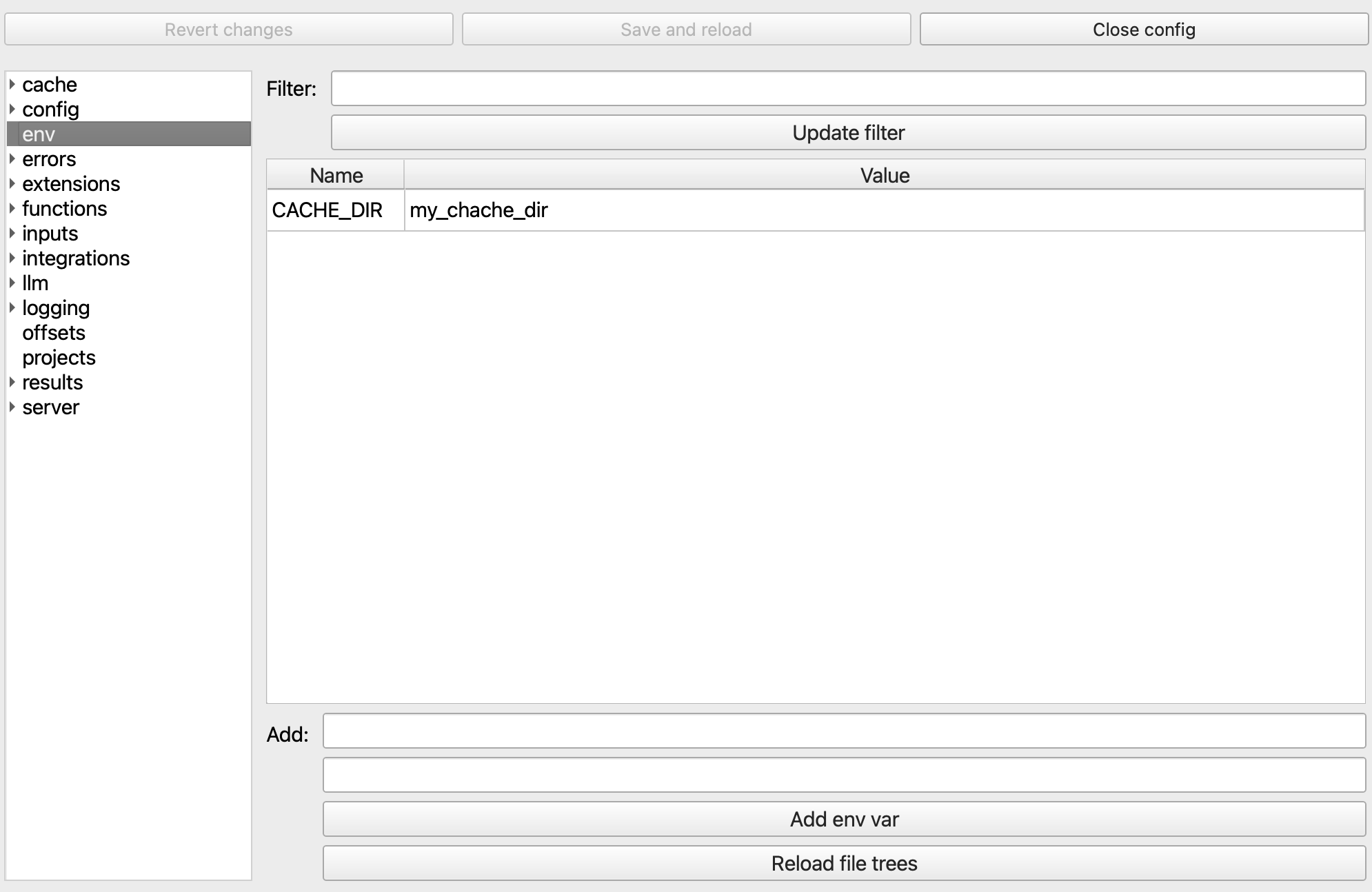
- Switch to the
cacheform - In the
Cache directoryfield enterCACHE_DIR - Click
Save and reloadat the top. Then close the Config Panel and reopen it. - Click into the
cacheform and see that the Actual Value Table at the bottom shows a row with namepathand actual valuemy_cache_dir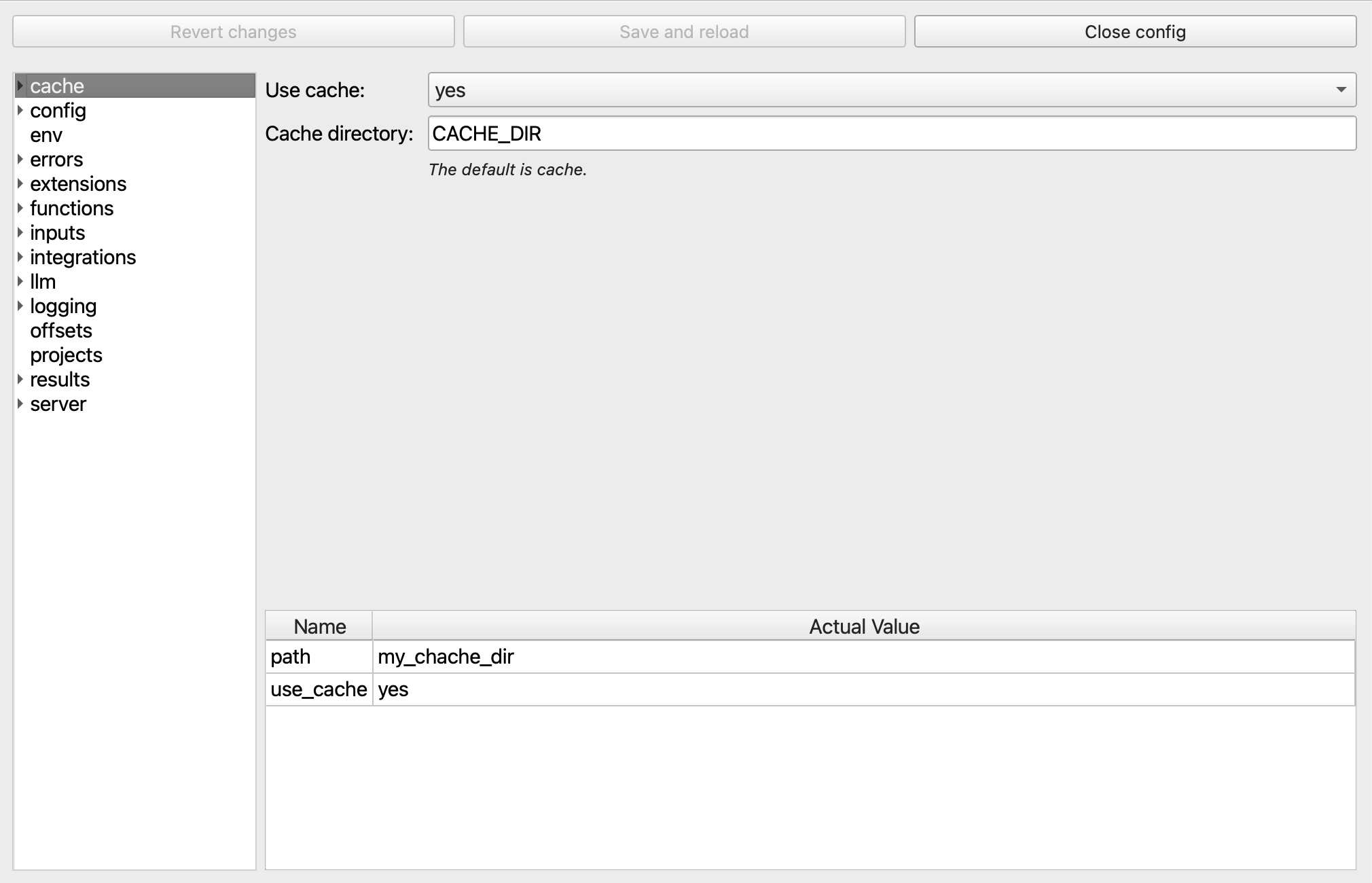
- Change the
Cache directoryfield to{CACHE_DIR}/internal - Click
Save and reloadat the top - See that the Actual Value Table shows a row with name
pathand actual valuemy_cache_dir/internal