Data Staging Features
FlightPath gives you tools for staging inbound CSV, JSONL, and Excel files. Your raw files are registered under a name that indicates a type of data, a source, a business process, or any concept you use to organize your data. This is a named-file.
Named-files are a versioned collection of similar files. For example, you might have a named-file orders to collect all the order files as they arrive. Your pipelines can query for particular versions within a named-file or you can simply use the most recent version.
Stage Data
CsvPath Framework is all about automating the process of receiving data. But during development you may need to stage data manually. FlightPath makes it easy. Add your data files using the Copy data in button on center of the home screen, or open the project directory and drag your data files in.
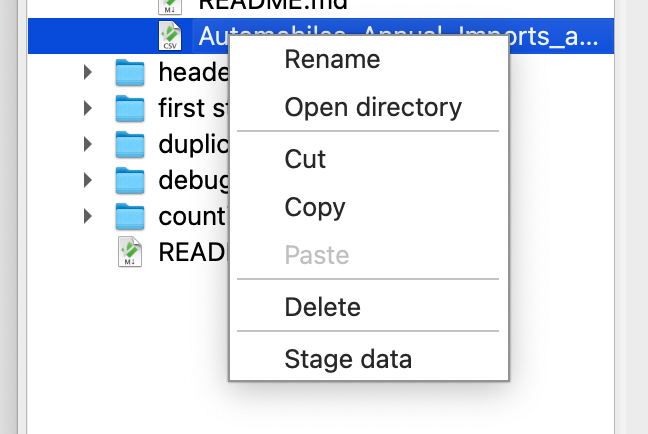
Then you can simply right-click any file to stage it in your choice of storage backend by selecting Stage data.
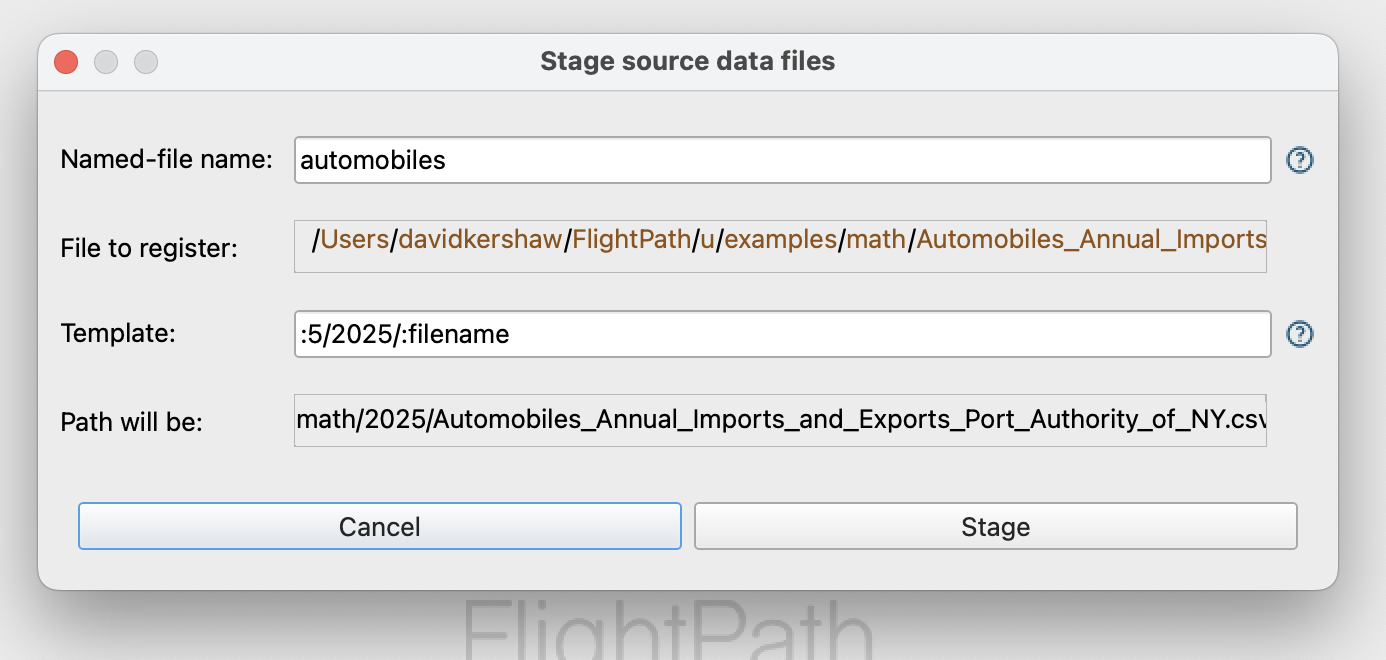
Give the new named-file a simple, memorable name. Optionally, add a template if you want to recreate a particular file system path. You can include elements of the original file path in the template.
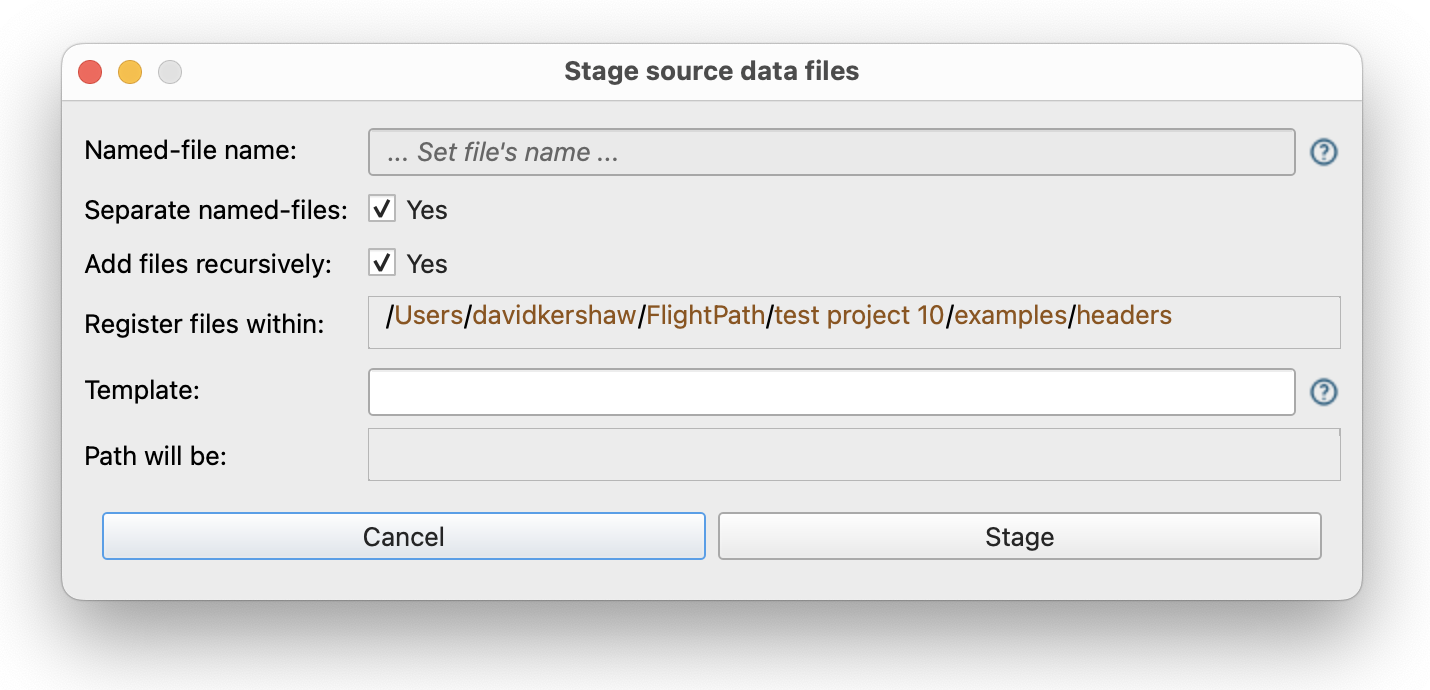
Right-click a directory and select Stage data to import all the data files from that directory. FlightPath will either register the files each as a named-file using the physical file’s name or it will stage all the files under a single named-file that you provide. You can find files to register recursively, use templates to customize the path to the staged bytes, and/or use a regular expression to filter the files in order to register only file names that match.
Stage remote files and copy them into your FlightPath project in one action. Right-click in the whitespace of the project tree and select Stage non-local file.
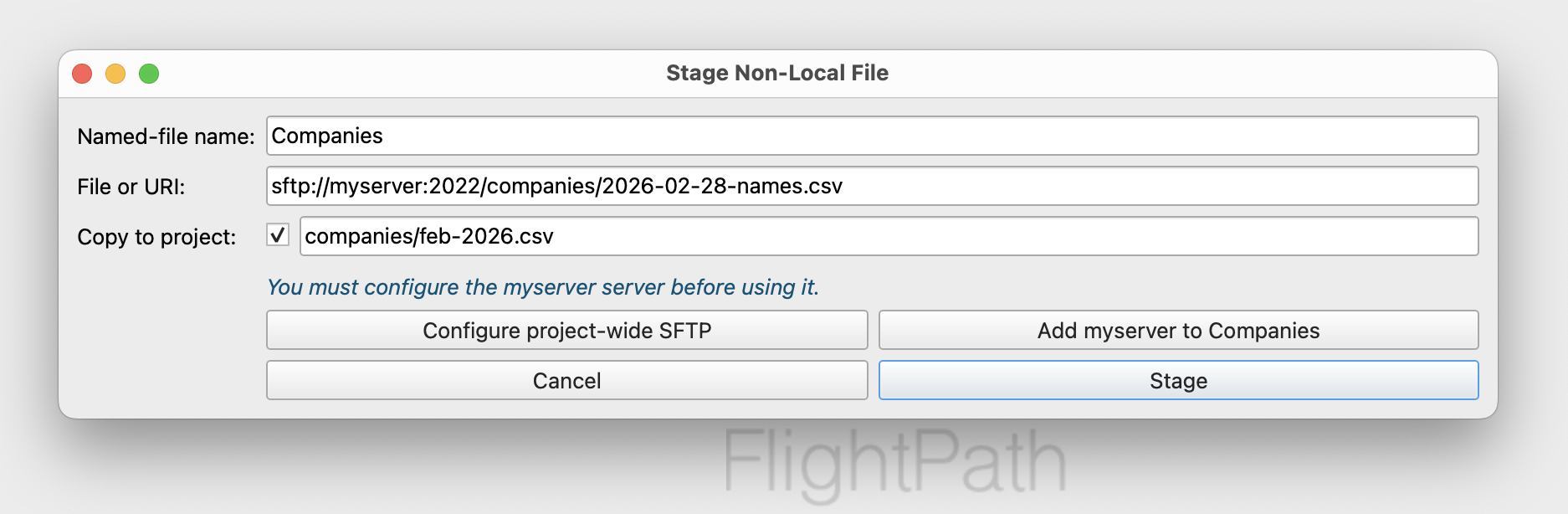
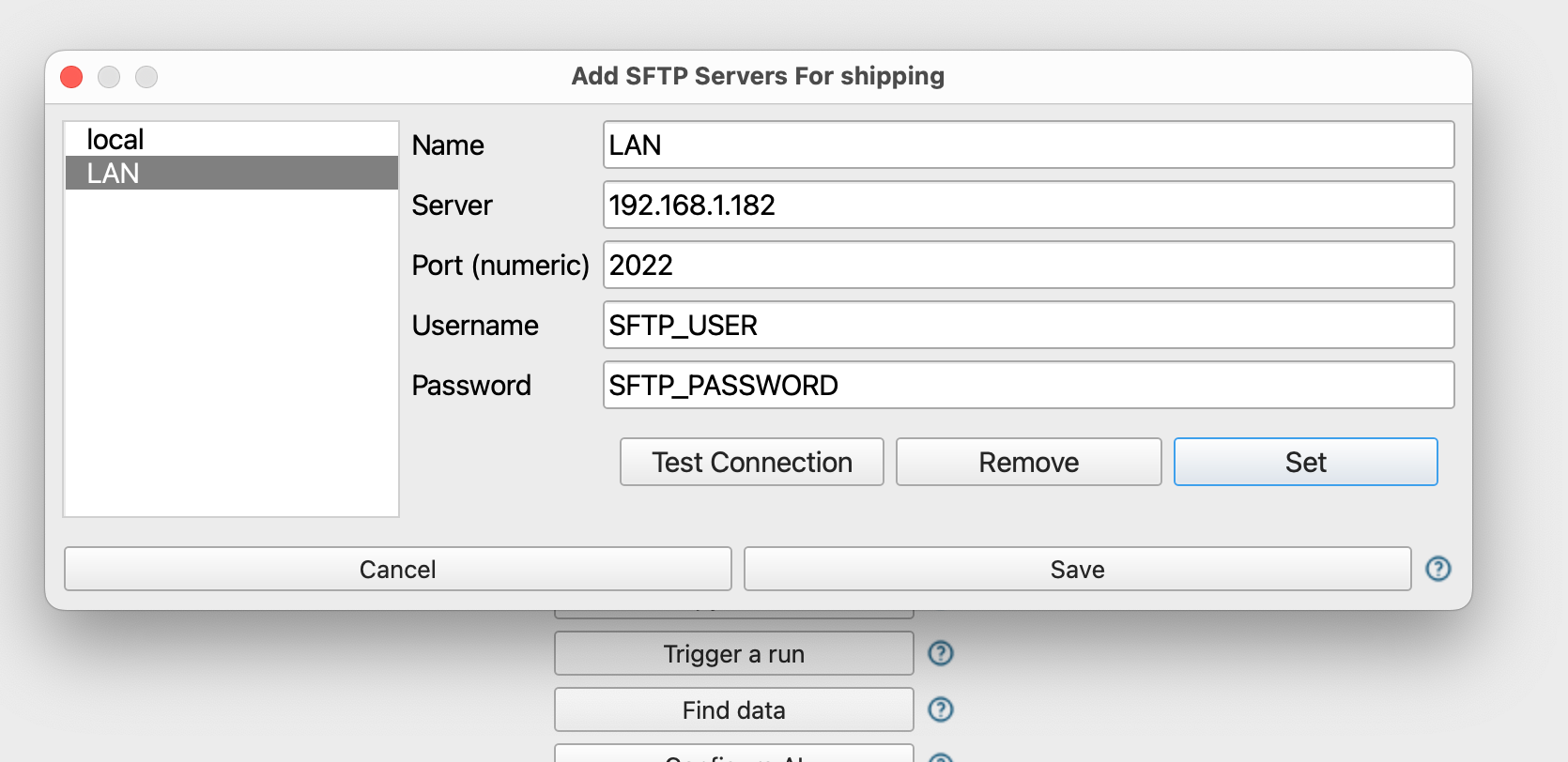
If you attempt to register a file from an SFTP server FlightPath doesn’t recognize it offers to configure the SFTP as a source for that specific named-file.
The Named-files Window
Staged data is visible in the named-files window at the top of the right-hand operations column.
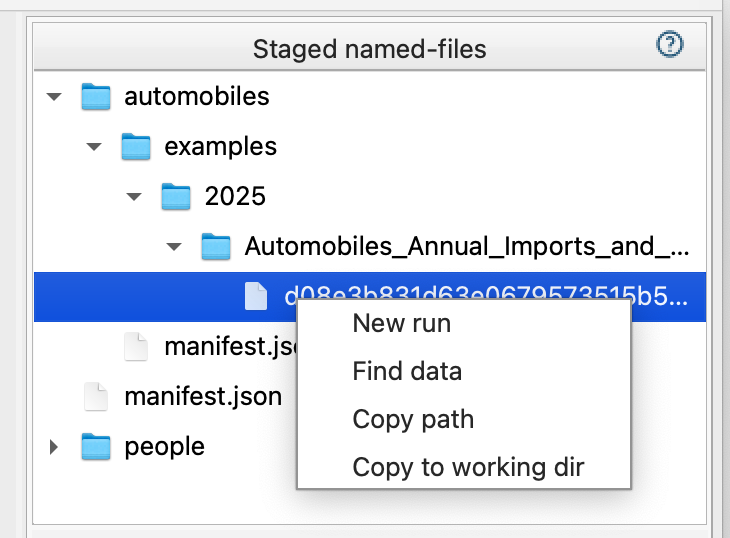
Your staged data from this point on is immutable and durably identified at the version level. If your data partner restates a file, you can stage it with confidence that your runs remain repeatable and you will know exactly how the results were generated.
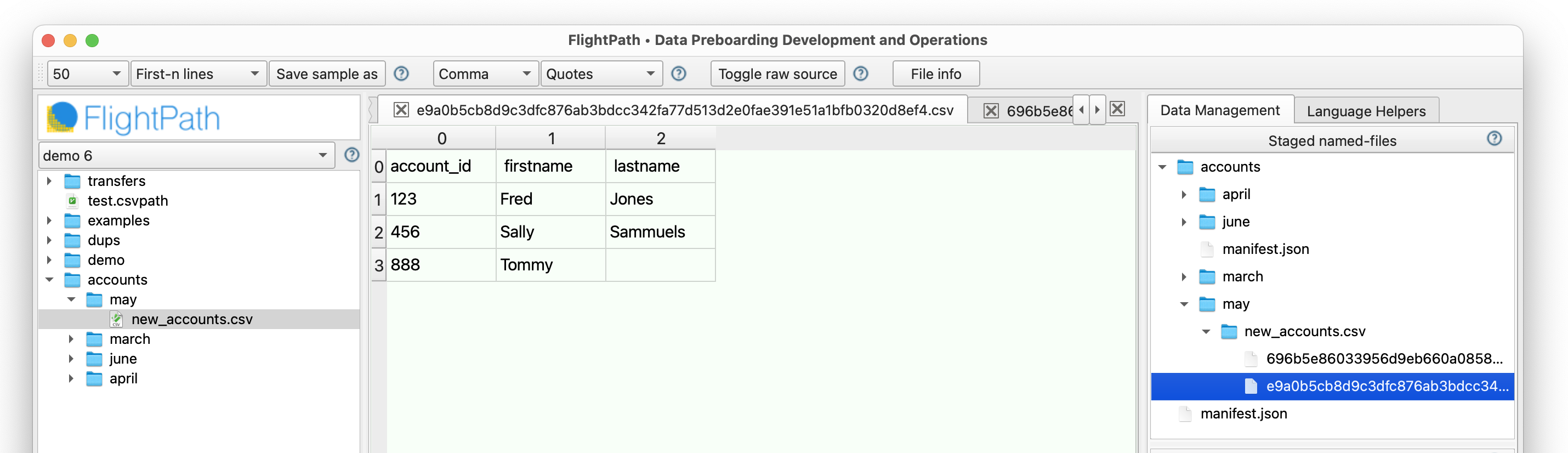
In this view you can see that there are two versions of the accounts named-file in the may folder. The identity of each physical source file and the fingerprint of its immutable bytes will be carried through each processing step so that the lineage is clear, the operational details are apparent, and the runs are repeatable.
Find Staged Data
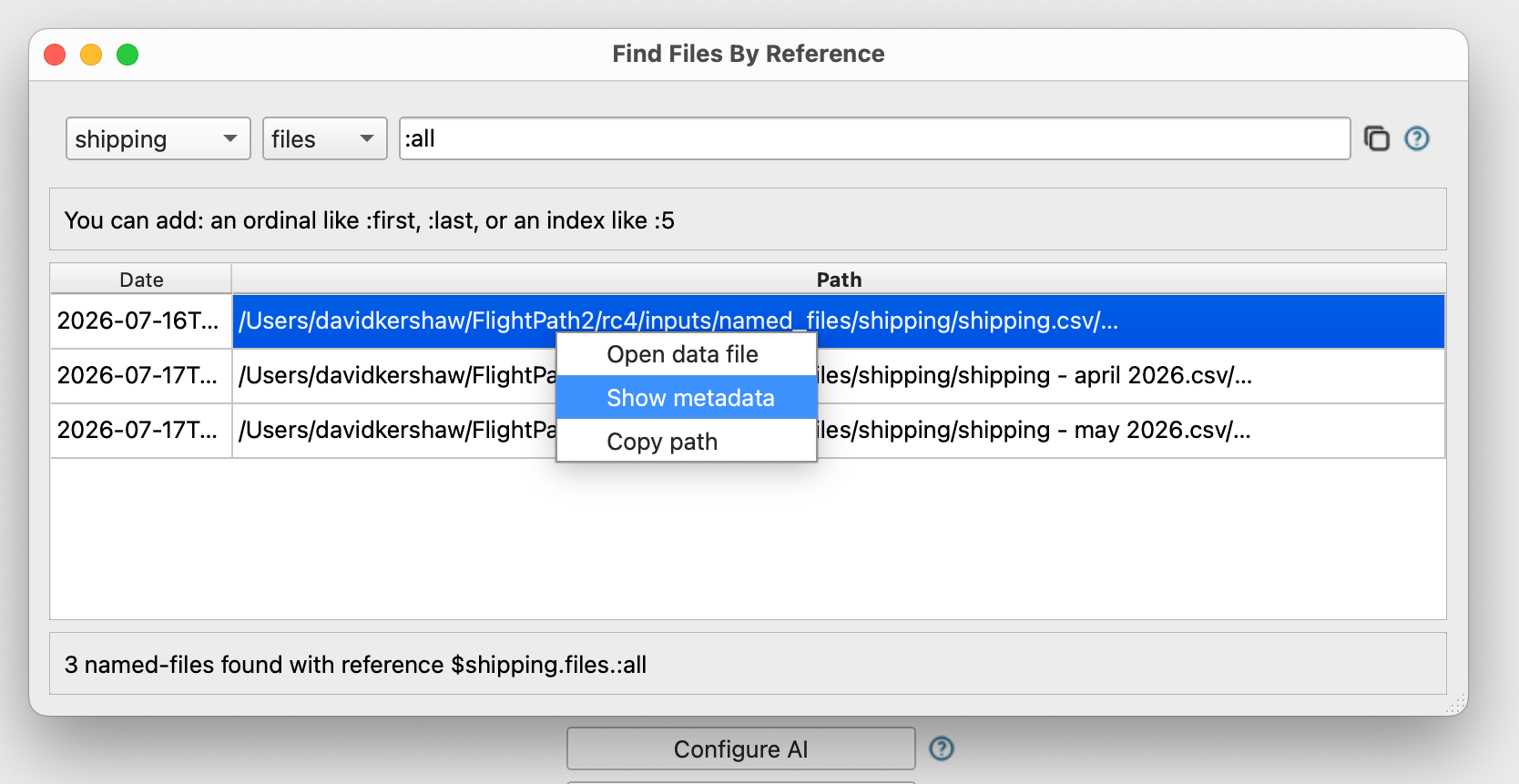
When you register data files under a named-file you are creating a permanent, immutable, and versioned staged asset. Registered files are findable and accessible for direct use, validation runs, and forensic examination. The Find Data Dialog gives you a way to query the named-files to find the specific data you need.