How To Create a New Project
Learn about CsvPath Framework: Find lots more information and how-tos about CsvPath Framework automating data preboarding at https://www.csvpath.org.
How to do it
- Open FlightPath
- Click the Projects drop-down at the top left
- Select
Create new project
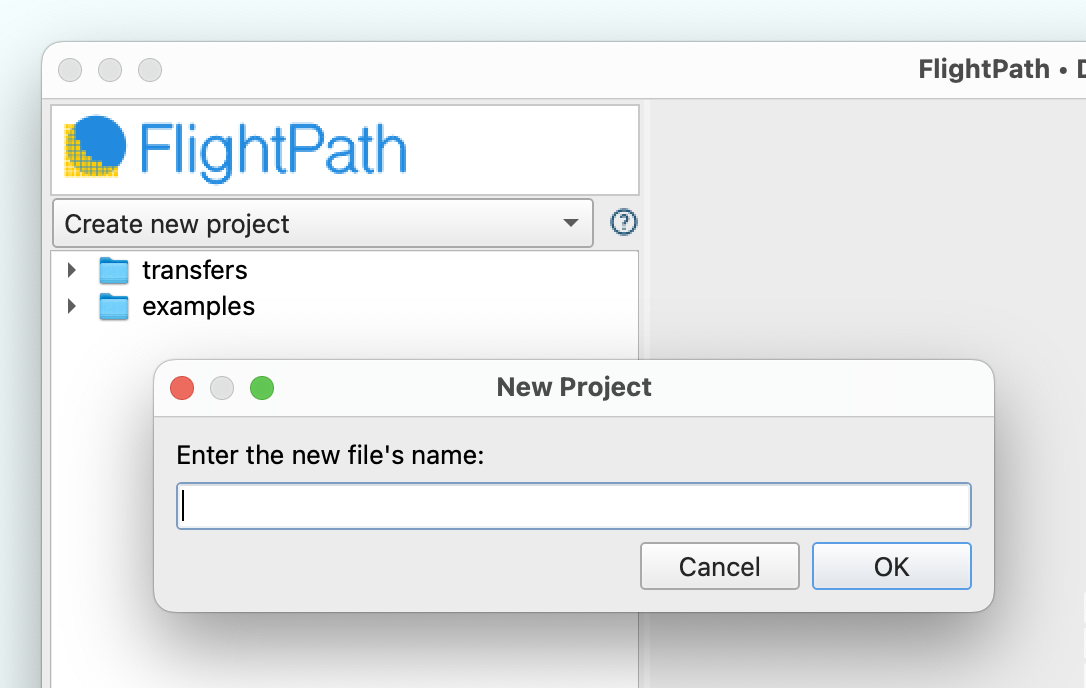
- Give the project a name and click
Ok - See that your project name is now selected and that two folders appear,
examplesandtransfers. Examples are build-in how-tos that can be deleted. Transfers is just a folder that can be used for CsvPath Framework’stransfer-mode, or for copying files into the project, or deleted.
What you need
- A FlightPath install
- Awareness of local machine sandbox constraints on MacOS or any permissions constraints on Windows