How To Find Named-files
You can find one or more named files by path or arrival date using the Find Data Dialog. The Dialog helps you build references and use them to access named-files and results.
A reference starts with a $ and looks like $schemas.files.2026-05-12_00-:after. The parts of a reference are:
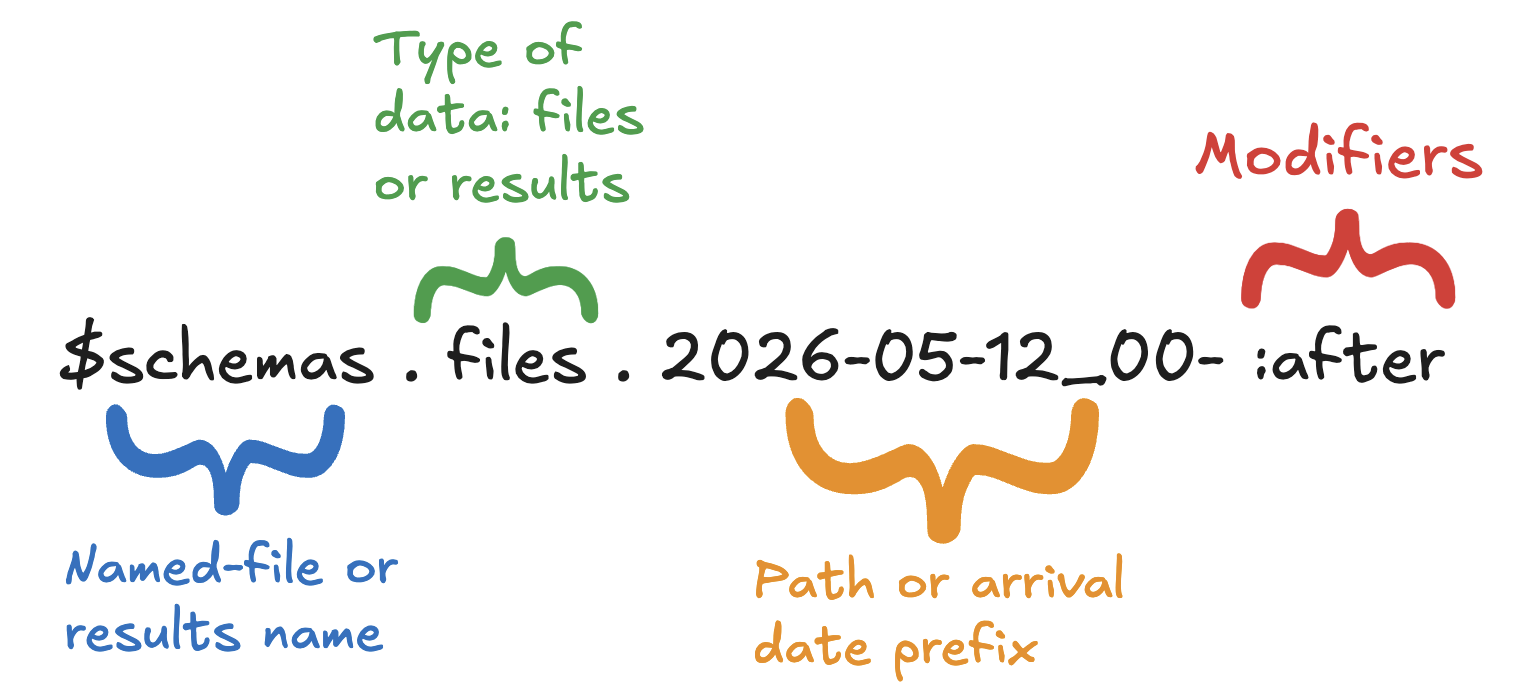
Learn about CsvPath Framework references. References are a useful capability for starting runs, finding data, accessing results, and other purposes. Learn more at https://www.csvpath.org.
How to do it
- Open FlightPath Data
- Register some named-files. Register multiple versions of the
examples/schemas/people.csvfile as the named-fileschemas. You will need to make a one or more character change for each registration. - Right-click the
schemanamed-file and clickFind data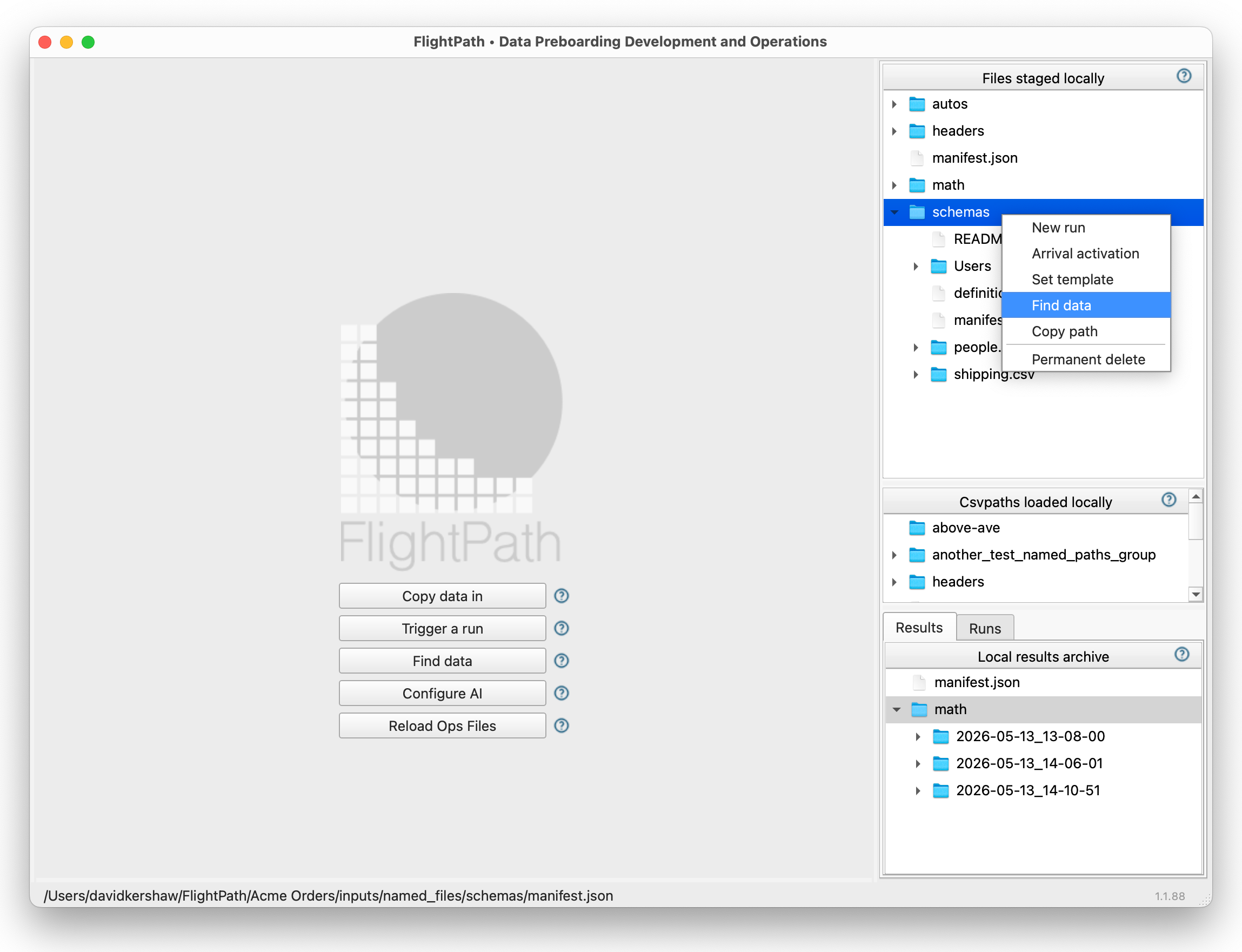
The Find Data item on the context menu
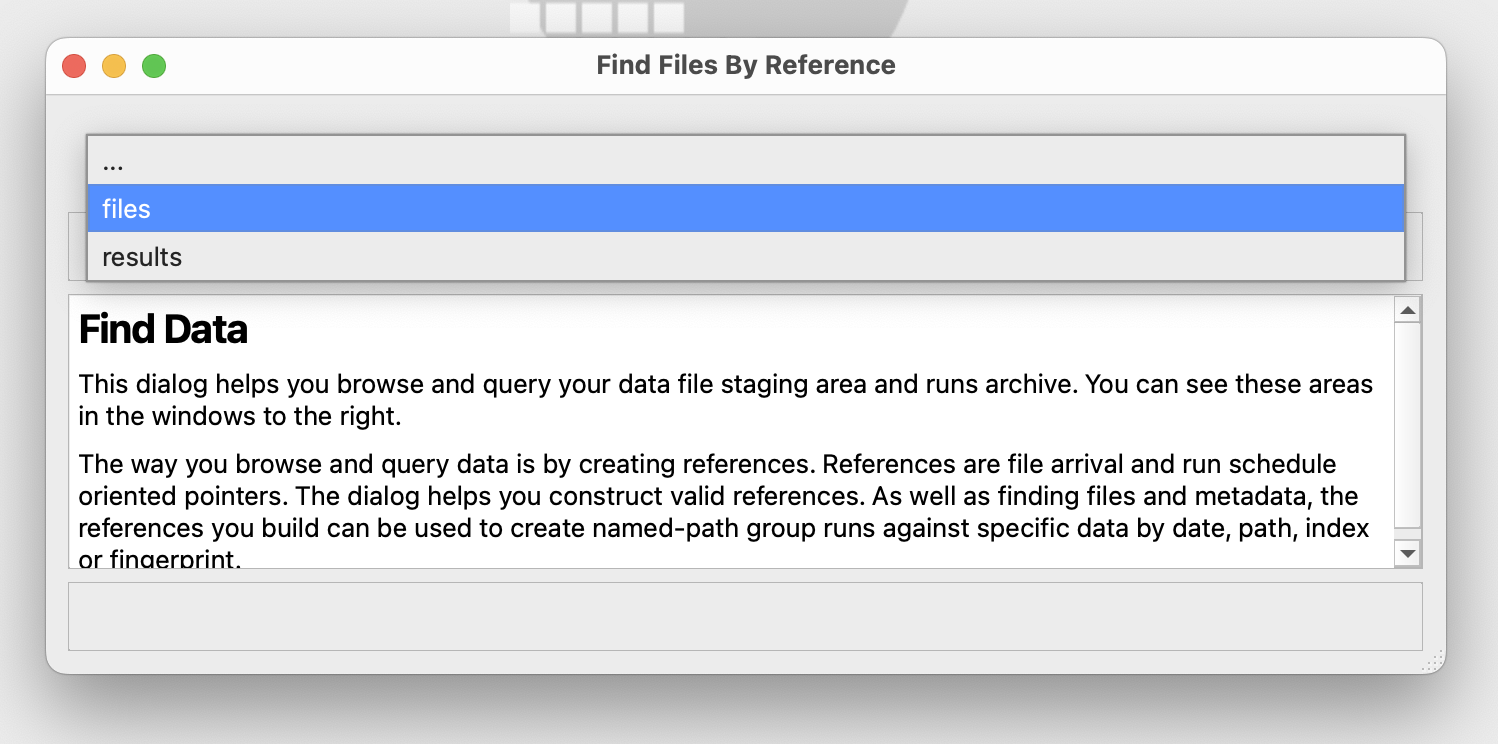
- In the Find Data Dialog’s drop-down select
files
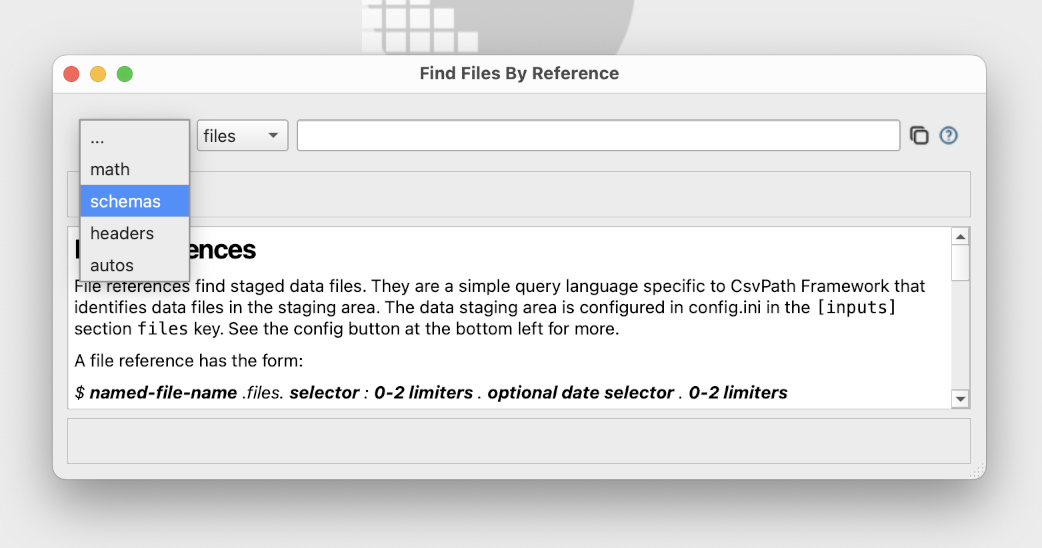
- After the form changes to create file references, select
schemas
- In the text entry box enter the right-most part of a reference pointing at your
schemasdata:2026-05-12_00-:after. You should see a row for every registration you did.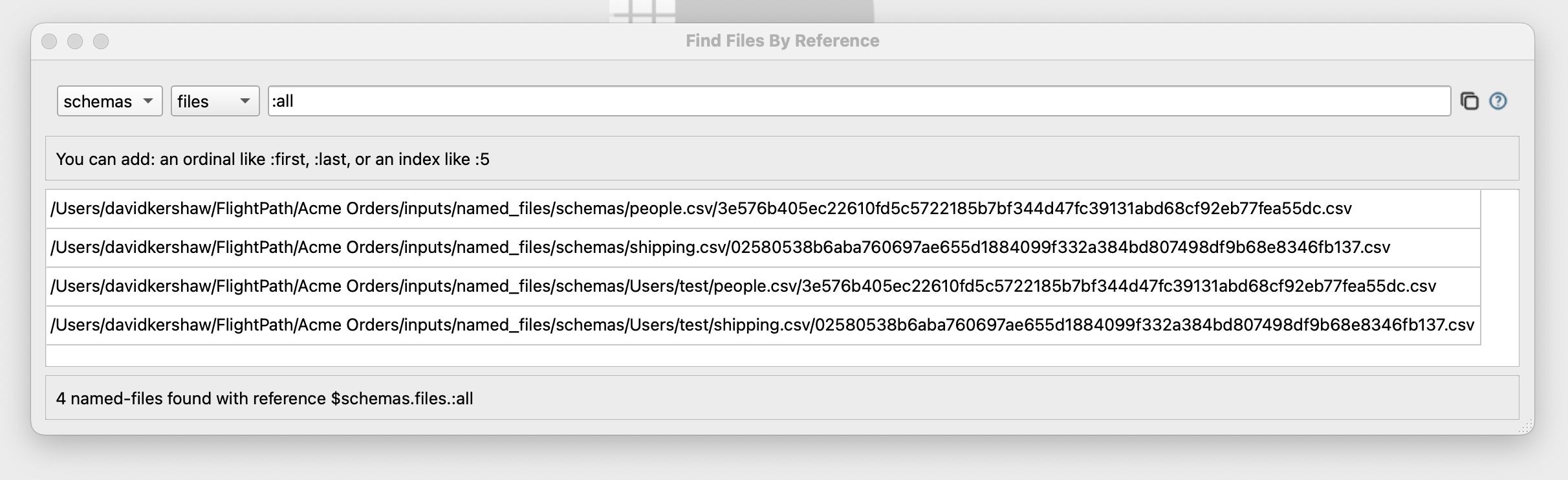
All of your registrations should be displayed, since they are after 2026-05-12