The Results Form
Setting the location of the project’s Archive
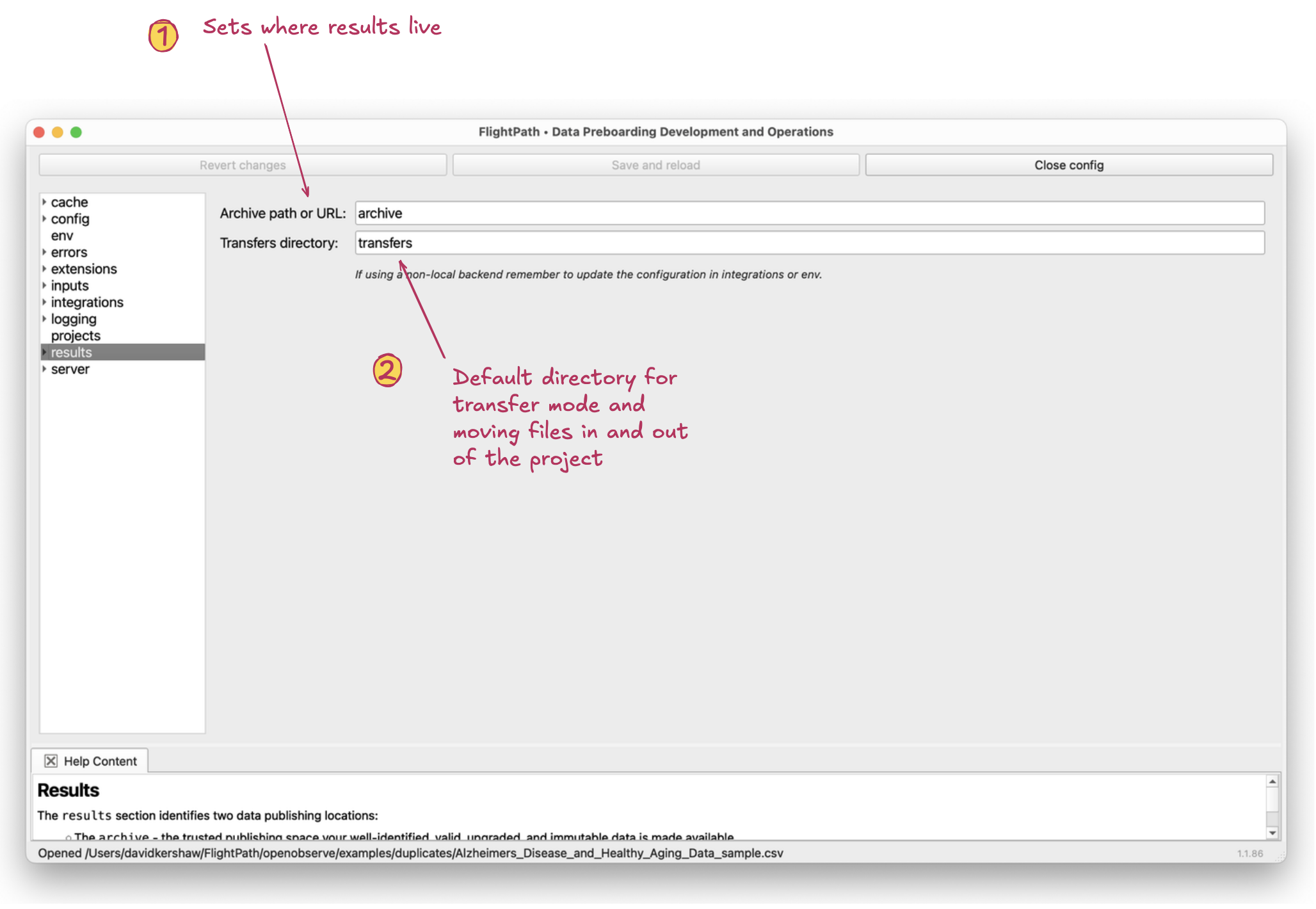
The results form
- Archive. The archive is the location you store results in. You can name the archive directory anything you like. An archive is as much a namespacing construct as it is a file location. Two projects can share an archive. Or two archives can have a common parent but different names. CsvPath Framework encourages more, smaller projects for simplicity, minimizing blast radius, and enabling horizontal scaling. That makes archive naming potentially very useful. An archive can live in any of the five storage backends.
- Transfer directory. The transfer directory supports
transfer-mode, a way of copying result files to a secondary location, as well as the archive, as soon as they are written. Transfer mode is just one of several ways of distributing results, above and beyond publishing them in the archive. The default transfer directory created with new projects can also just be a useful place to copy files to. For more about transfer mode, see csvpath.org.