How To Create an Admin Key
FlightPath Server controls project access using API keys. API keys limit access to projects, but are not tied to users. A key is a UUID. It is provided to the creator one time; after that, FlightPath does not retain the key. See the note below regarding the optional key index setting. Keys map to a projects directory. The directory name is a SHA256 hash of the API key and other information. All server projects live within one API key’s projects directory.
An admin key is simply the first key that is made. It is the only key that can be made without a valid key being presented to the server. Admin keys have very little other privilege. An admin key is required to do an orderly shutdown. Any key can create more keys.
Learn about CsvPath Framework: Find lots more information and how-tos about CsvPath Framework automating data preboarding at https://www.csvpath.org.
What you need
- A new FlightPath Server install
- A FlightPath Data install
How to do it
- Start an instance of FlightPath Server as described here
- Open FlightPath Data
- Click the Config button at the bottom-left
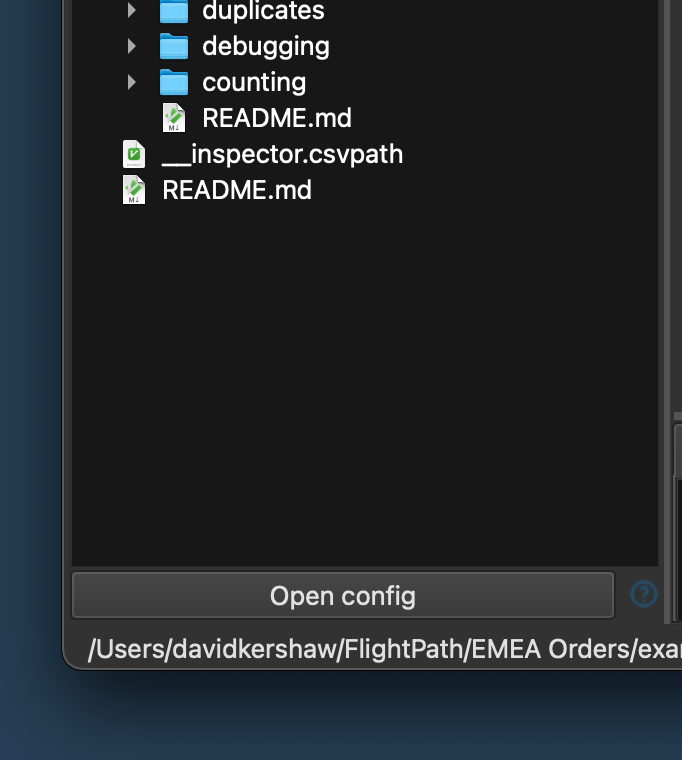
- In the Config panel select
serverin the left hand vertical tabs - In the server form add the server URL and port
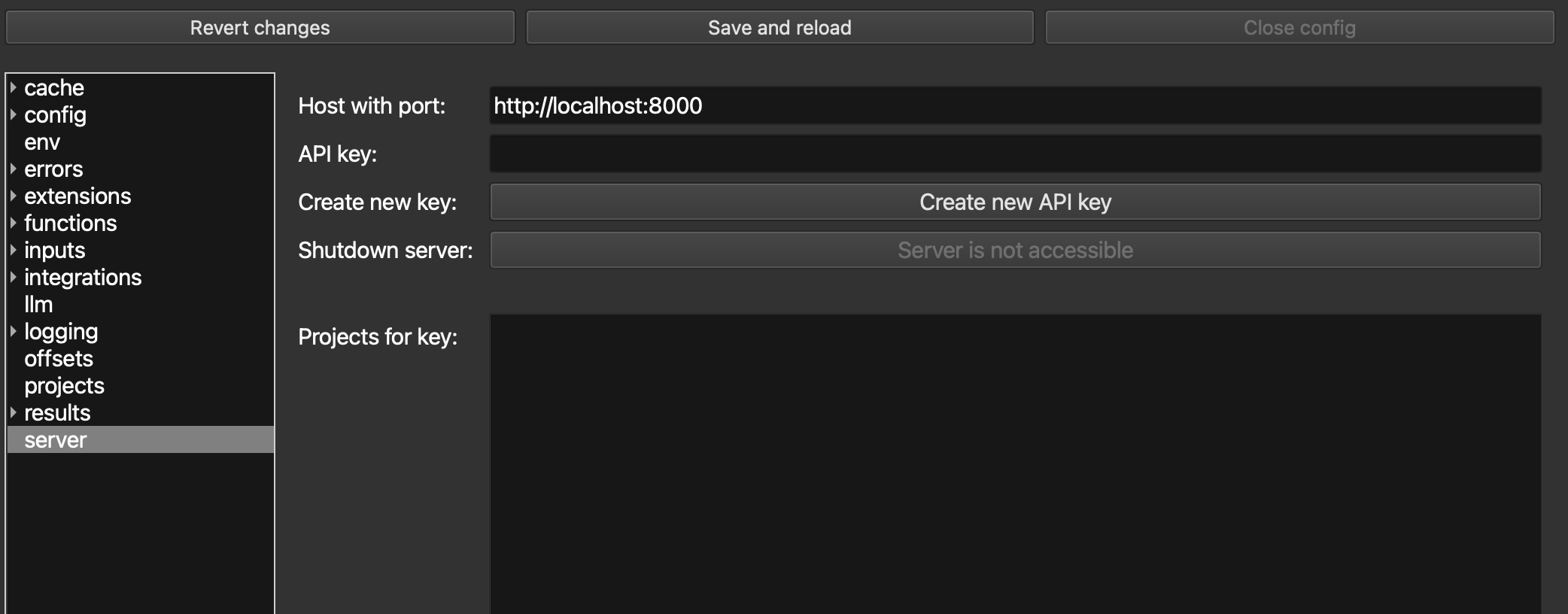
- Click the
Create new API keybutton - In the dialog that opens, enter a name for the key, a key owner’s name, and a way to contact the key owner. These fields are required, but the contents of the fields is up to you. The goal is for people to know what the key is for and for the FlightPath Server admin to find the owner, if needed.
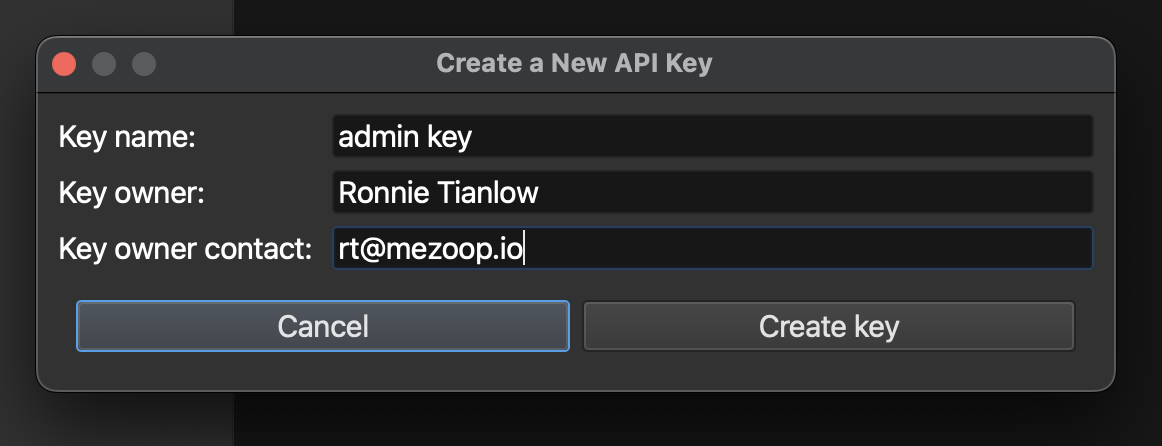
- When you submit the new key dialog it will show you the new key. Keys look like:
a117322a-5b2d-408a-aeac-46fdc515d047. You will only see the key once, so copy it to a safe place.
FlightPath Server has an optional way to look up a key, allowing you to map from project directory to key. While this key index is turned on by default, we recommend turning it off when running in production. The key-to-folder index is in the
config/key_index.jsonfile. The setting is in the server’sconfig/app_config.inifile. It is the[security]section’skey_indexfield. Set it tonoto disable the server creating the index file.