How To Create a Group From the Files In a Directory
FlightPath manages csvpath statements in files and groups. Multiple csvpath statements can live in a file. All of the statements in the file will be a part of the same group. A named-paths group can be created from multiple files. The easiest way to do that is to load all the files in a directory as one group.
Templates are used to register files at a specific path within a named-file. This allows the structure of the named-file to follow the path structure of the arriving files and/or be laid out to match another system. You can learn more about templates on https://www.csvpath.org.
How to do it
- Navigate to your project’s
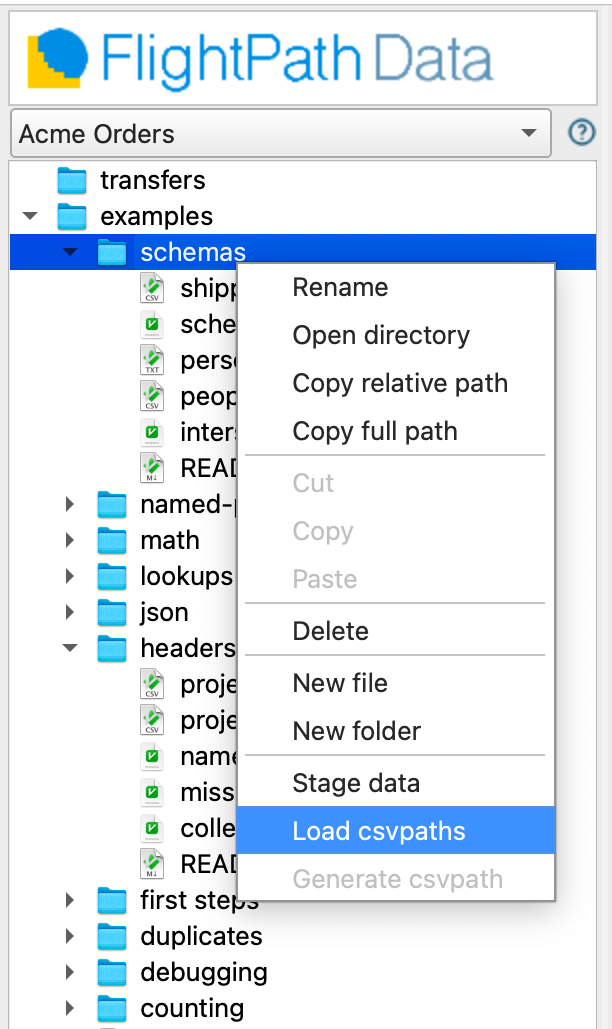
examples/schemasfolder - Right-click the directory in the project files tree on the left
- Select
Load csvpaths
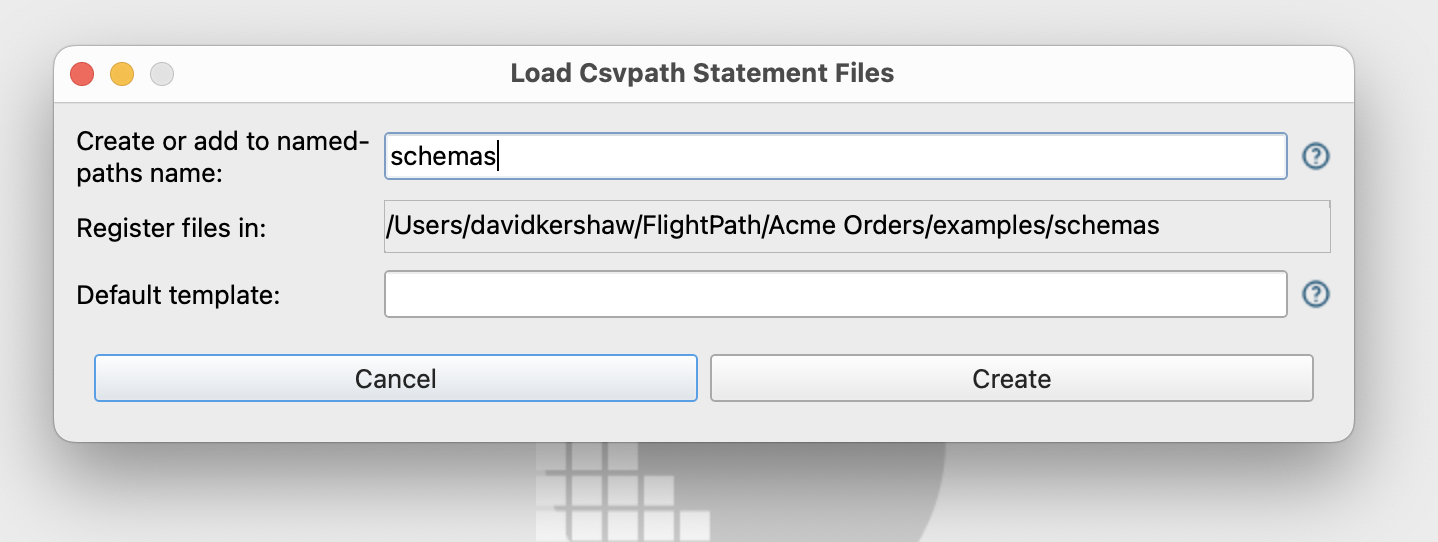
- The Load Csvpaths Dialog opens
- Enter the name
schemasto theNamed-paths namefield
- Click
CreateorOverwrite. The button text will change depending on if the name of the group is new. - Look in the named-paths groups window at the middle right. Notice there is now a
schemasgroup. - Open the
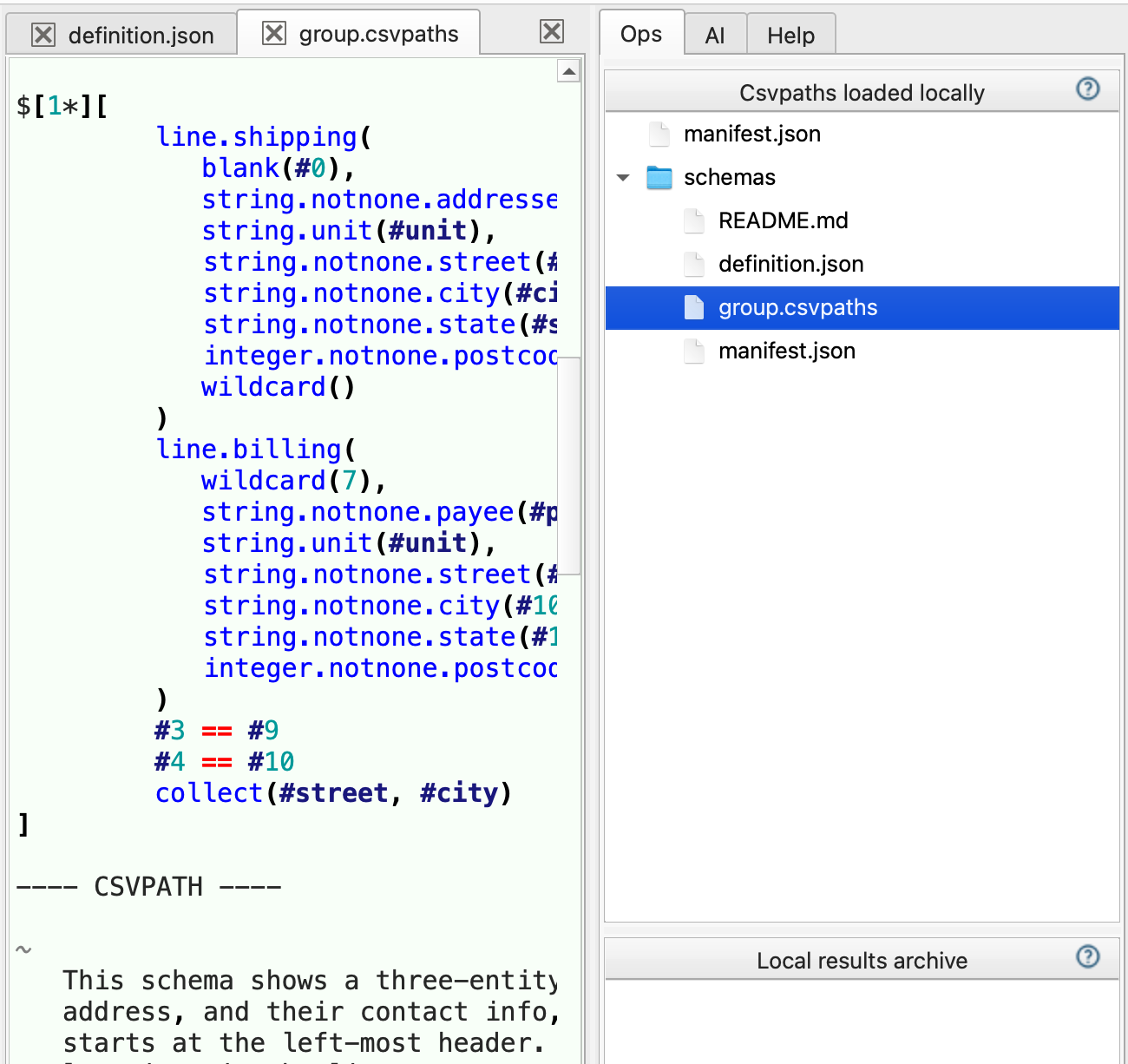
schemasnamed-paths group and you see agroup.csvpathsfile that contains all the csvpath statements in the group