How To Create a New FlightPath Server Project
Learn about CsvPath Framework: Find lots more information and how-tos about CsvPath Framework automating data preboarding at https://www.csvpath.org.
What you need
- A FlightPath Server install
- A FlightPath Data install
How to do it
- Start an instance of FlightPath Server as described here
- Open FlightPath Data
- Click the Config button at the bottom-left
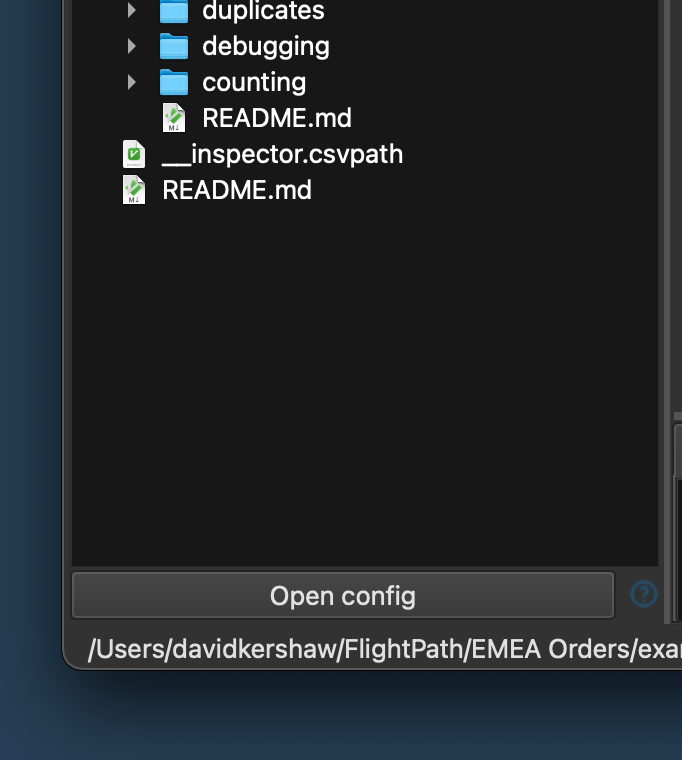
- In the Config panel select
serverin the left hand vertical tabs - In the server form add the server URL and port
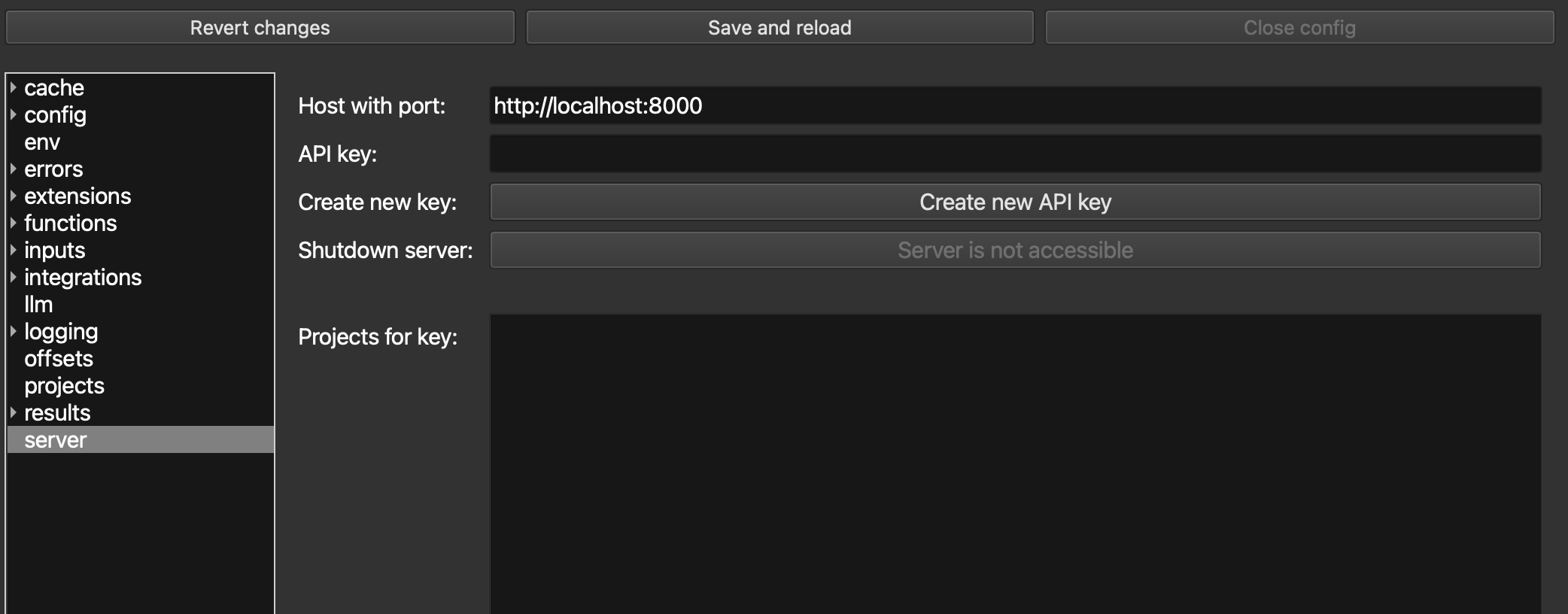
- Create a new admin key as described here. It will look like:
a117322a-5b2d-408a-aeac-46fdc515d047. You will only see it once. - Enter the new key in the API Key field and click
Save and reload - Right click on the
Projects for keyarea and selectNew project
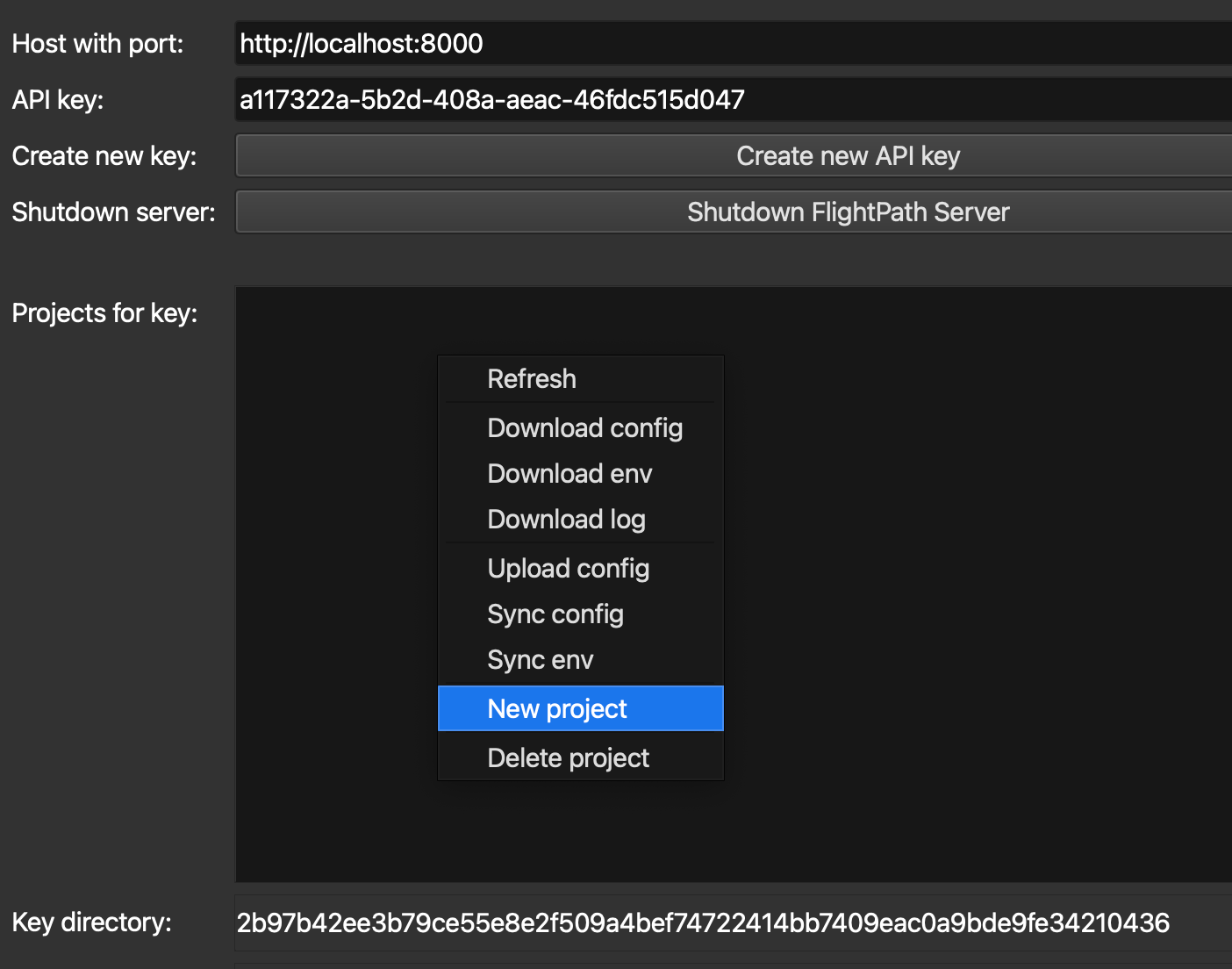
- Give the project a name and submit
- Right-click on the project’s name and select
Sync configto setup the new project’s config based on the current local config. Syncing a local project with a server project is described here.