How To Find the Location Of Run Results
If you have many runs navigating to one may be easier using the Find Data Dialog than it would be by browsing.
How to do it
- Open FlightPath Data and do a run as outlined here
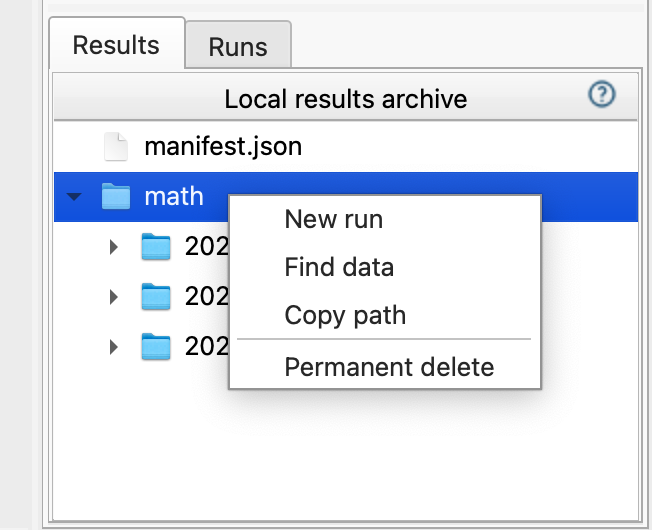
- In the results window on the lower right, right-click the
mathruns and clickFind data.
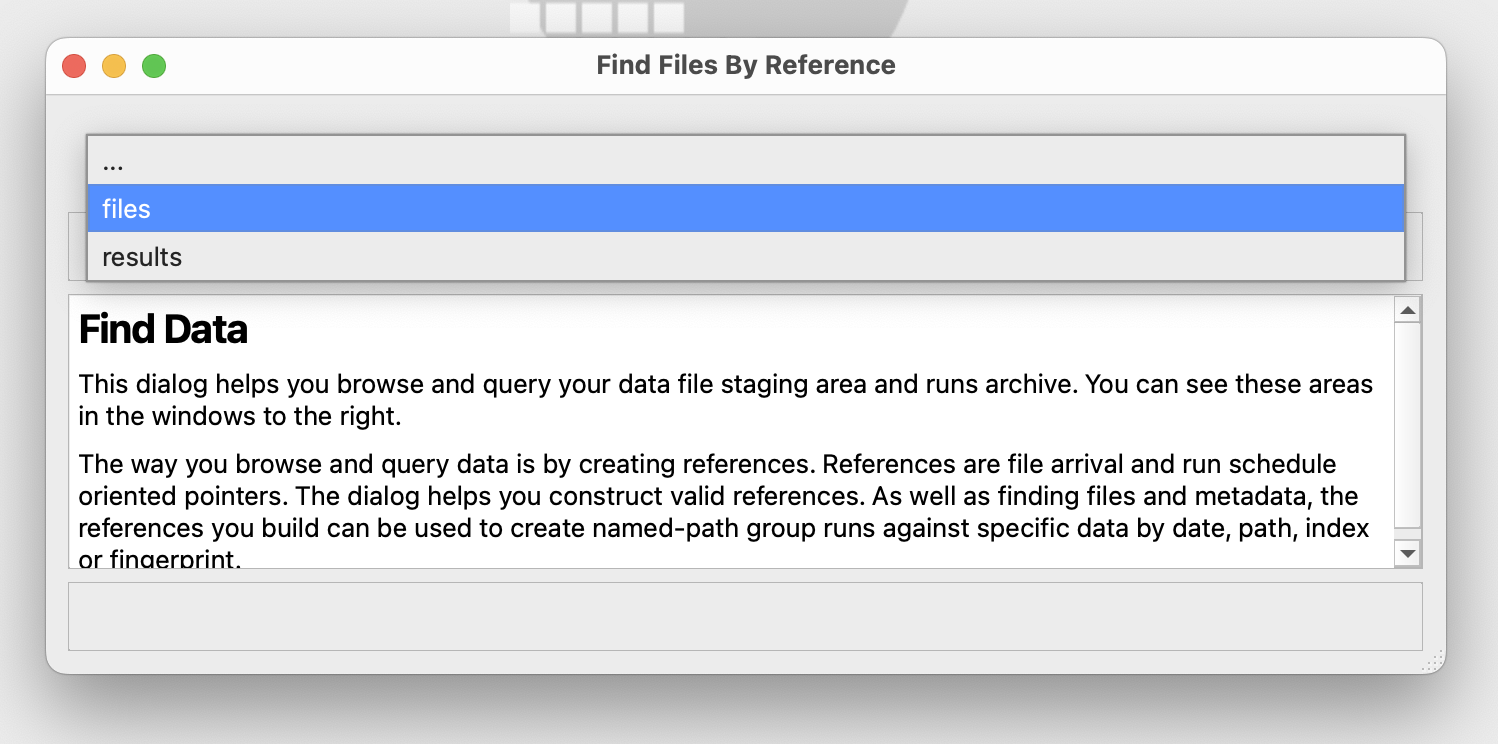
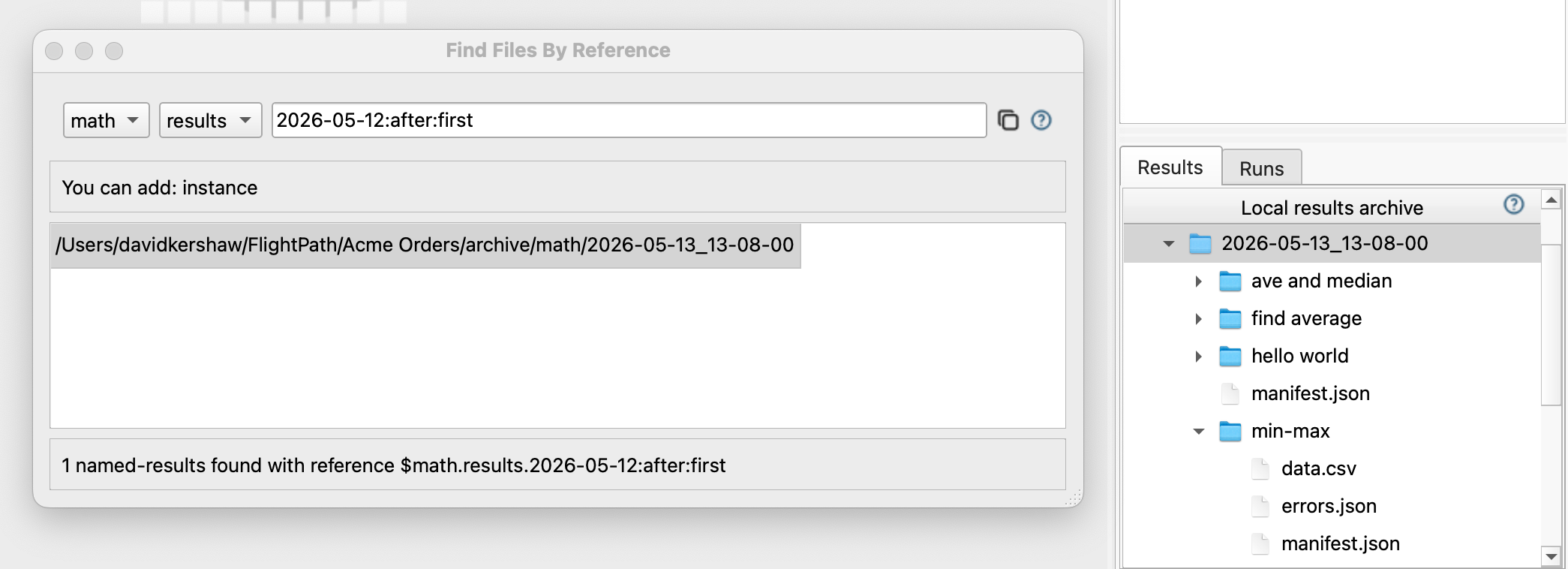
- In the Find Data Dialog’s drop-down select
results
- After the form changes to create results references, select
math
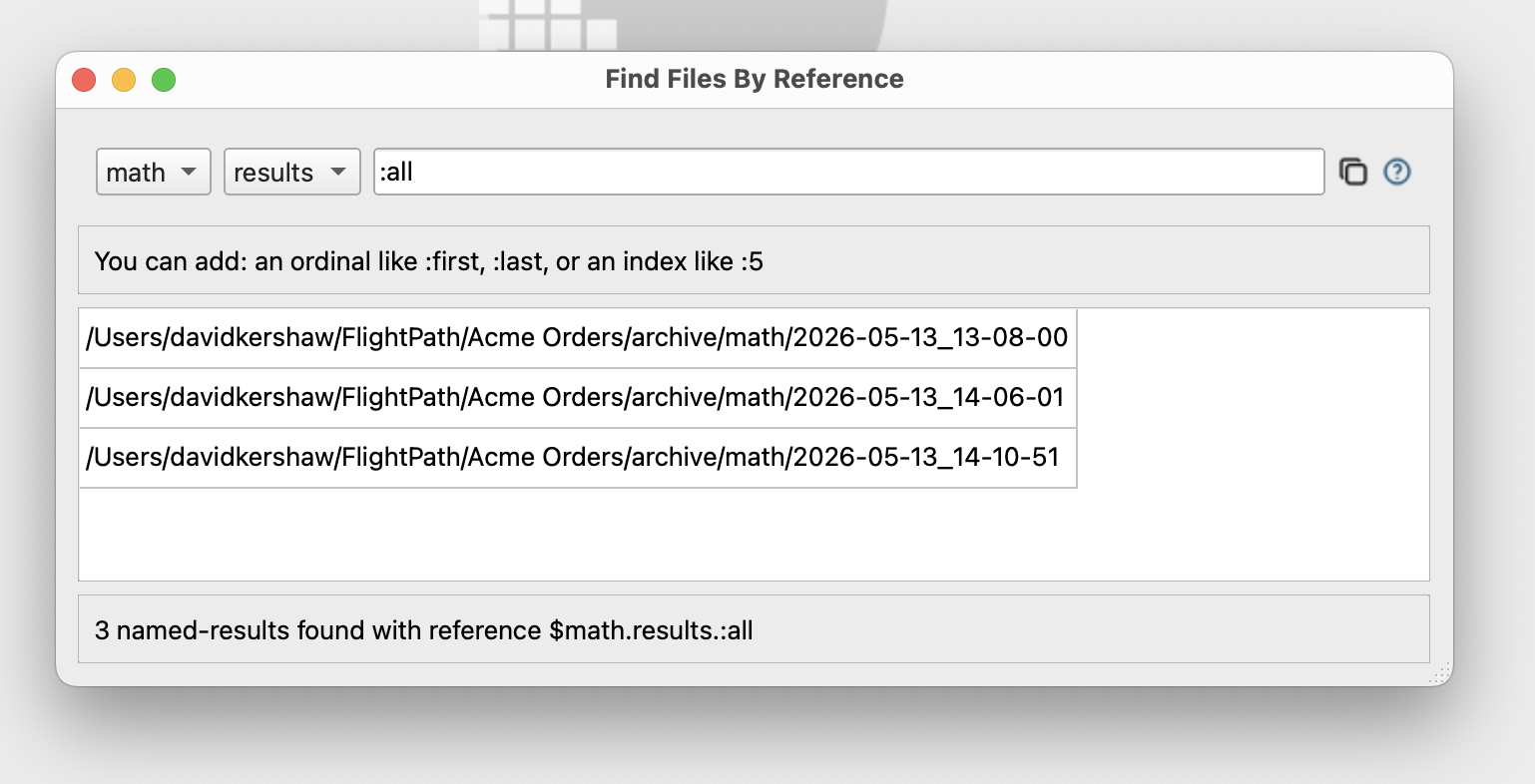
- The text entry box starts out with token
:allthat finds all the runs. You may have only one. - Right-click on the top run results and select
Show run - See that the archive window at lower right opens to the run you clicked on
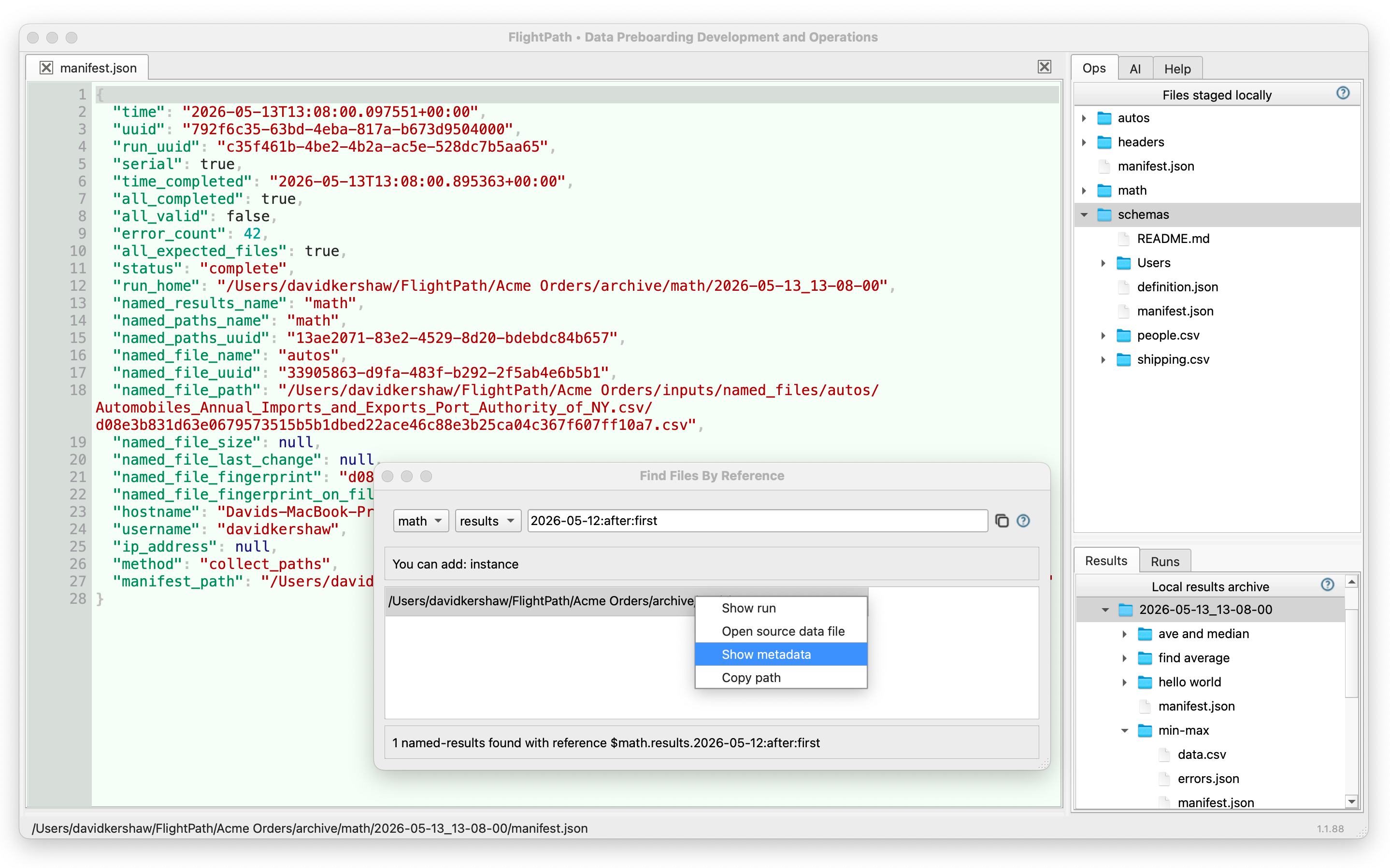
- Again in the Find Data Dialog, right click on the top item and select
Show metadata - See that the
manifest.jsonfor the run opens