How To Assign a Default Template To a Group
FlightPath gives you the ability to give results a certain path layout. This allows you to position files based on the original location of the data file or to mirror the layout of another system.
Templates are used to structure results. Using templates to organize results is very similar to how they are used to organize staged data. When used to organize results, the template is held by the named-paths group, in its definition.json file. You can learn more about templates on https://www.csvpath.org.
How to do it
- Navigate to your project’s
examples/headersfolder - Right-click the directory in the project files tree on the left
- Select
Load csvpaths - The Load Dialog opens
- Add the name
headersto the name field
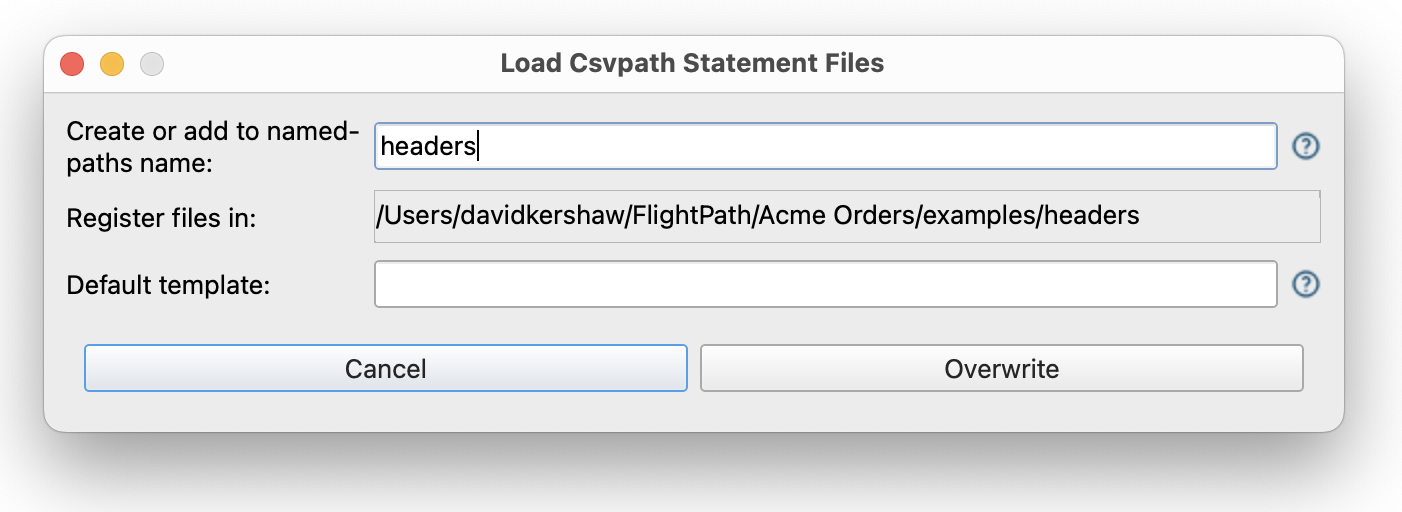
- After hitting the
Createbutton you will see theheadersnamed-paths group in the middle right-hand window - Right-click the
headersgroup and selectSet template - In the dialog enter a template like
:1/test/:run_dir, or whatever you like
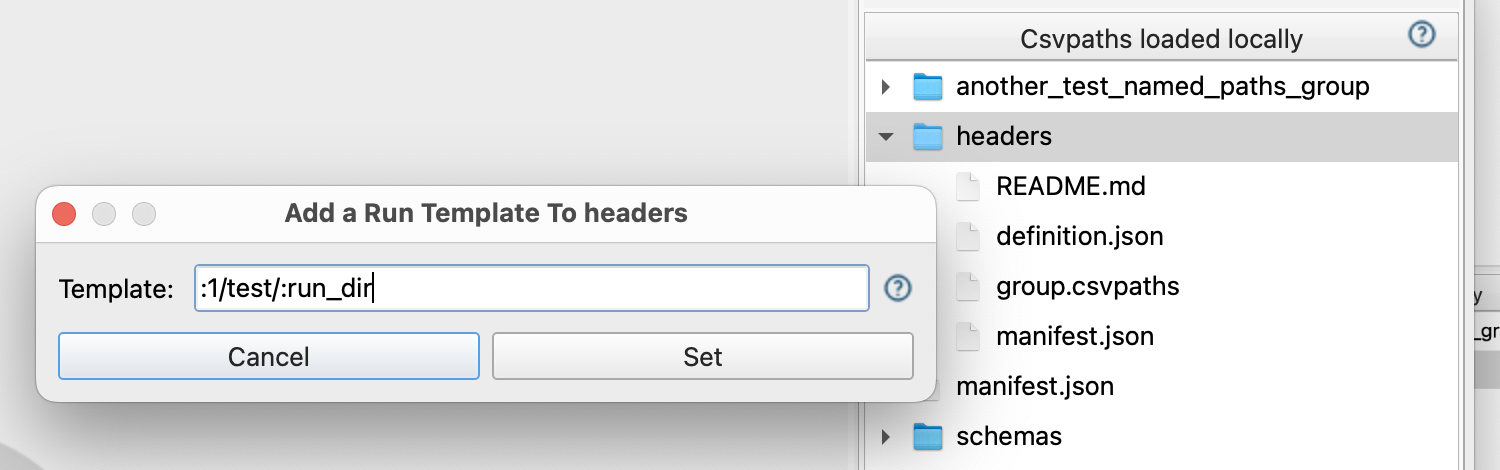
- Click the
Setbutton and then check the group’sdefinition.jsonfile to see where the template was saved
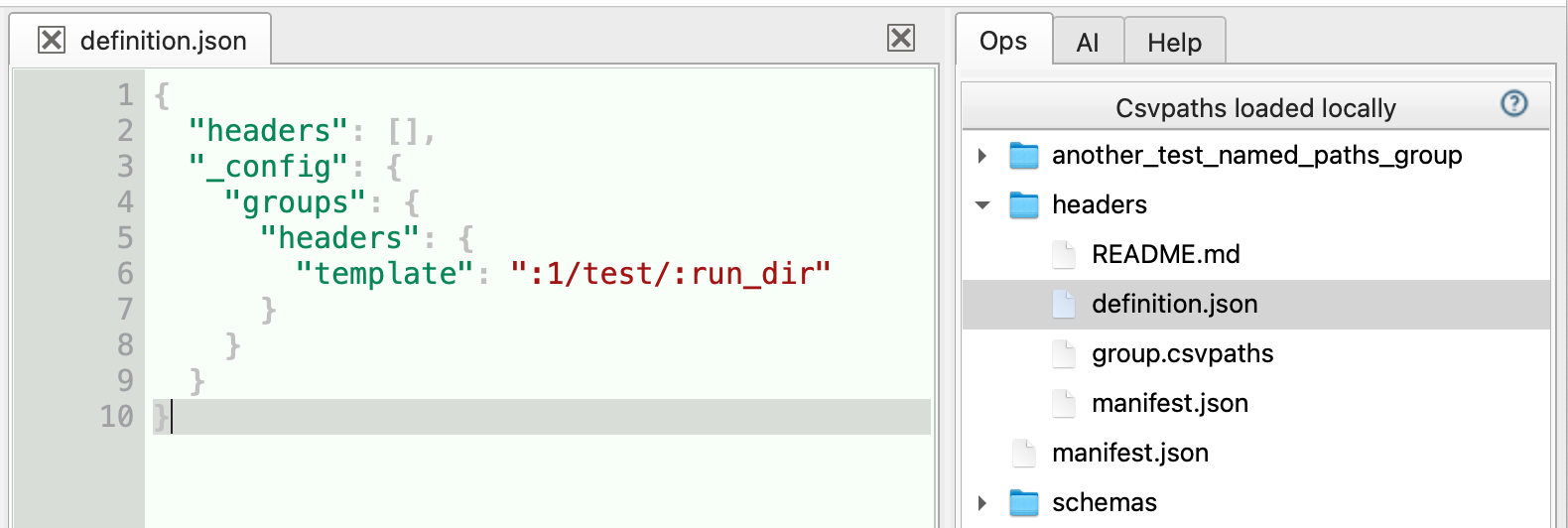
Named-paths group templates must end in the token :run_dir. :run_dir is the placeholder for the datestamp directory name containing the run.