The Errors Form
Validation errors handling
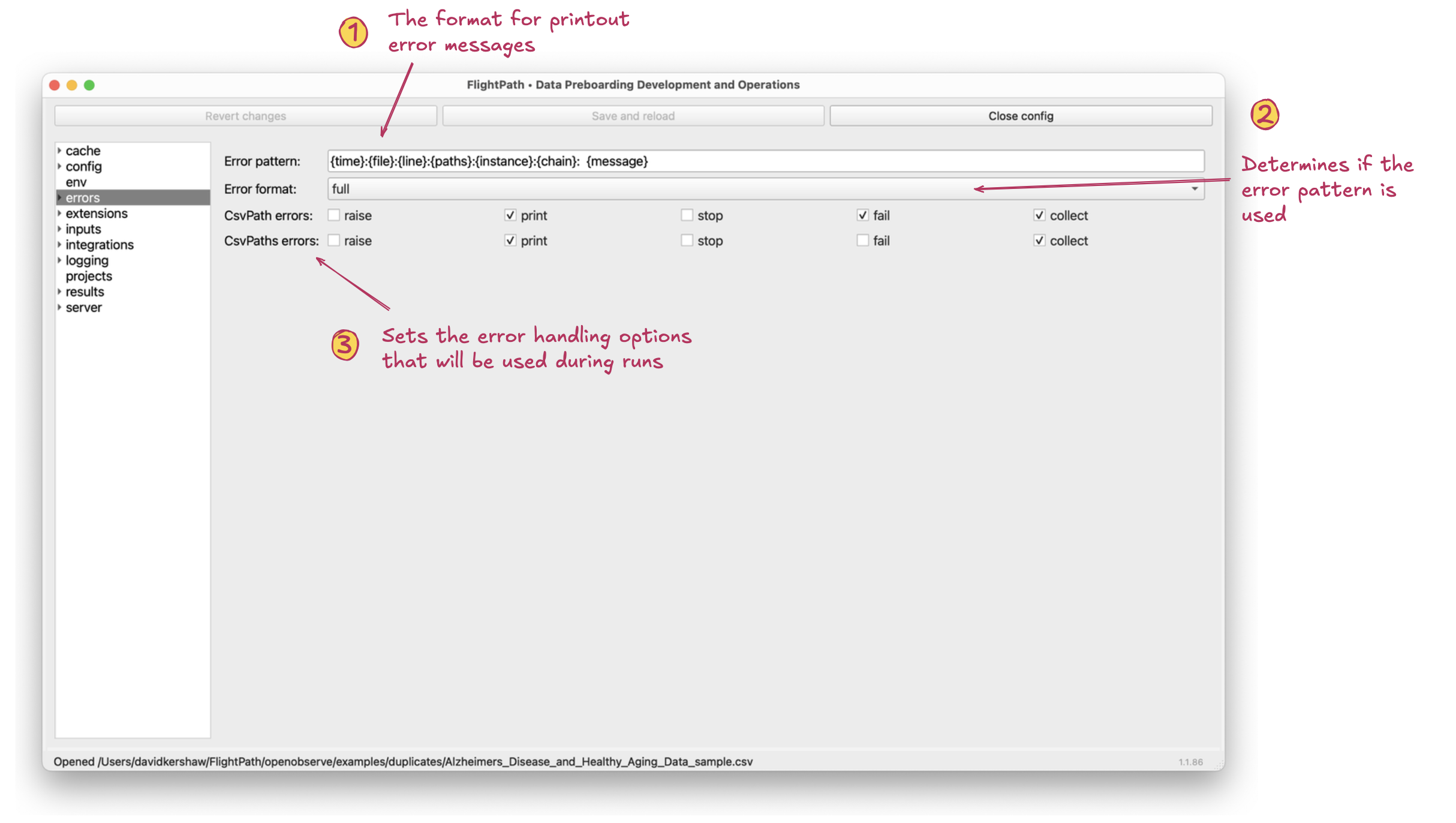
The errors form
- Error pattern. The error pattern determines what is shown when validation errors occur during a run. This does not change the log line output, only the user-presented validation errors. For example, a csvpath like
$[*][add("five", 3)]will generate two errors, one because the add function does not take strings, and one because adding"five"to3is inherently invalid. These are both user-presented errors that may show in the run printouts and errors.json. The error pattern controls what the printout would look like. - Error format. If set to
full, the default, errors will be presented using the error pattern. If set tobareerrors will be presented in the minimal form of a brief narrative message. The former looks like2025-10-27 19h14m27s-448672:projects_with_reset.csv:1::reset headers:add[0]: could not convert string to float: 'five'; whereas, the latter like:could not convert string to float: 'five' - CsvPath Errors and CsvPaths Errors. These settings reference the
CsvPathandCsvPathsclasses in the CsvPath Framework.CsvPathruns individual csvpath statements; for example, a test run in FlightPath Data during development.CsvPathsruns sets of csvpath statements in full, automated runs, such as happen in FlightPath Server. The checkboxes determine how errors are handled:
- Raise: Raising errors means raising an exception that would stop a run cold. You may want to leave this box unchecked in product environments in order to not stop processing on the first validation error. Print: Outputs validation errors to the printout stream(s). Leaving print checked is typical. Stop: Stops processing on the first error, but without raising an exception; thereby allowing results and run wrap up to be handled normally. Fail: Marks a csvpath as invalid, but does not stop the run. Collect: Collects the error with contextual information to errors.json.