How-tos
FlightPath Server is an automation backend that supports running multiple separate projects in a central server environment. This page outlines a few of the main use cases it enables.
- Receiving files from an MFT server
- Inspect staged files
- Find results files from downstream
- Populate a data lake bronze layer
- Investigate a data problem
- Call a webhook after a run
- Monitor arriving data and runs
For more CsvPath Framework use cases and how-tos checkout https://www.csvpath.org.
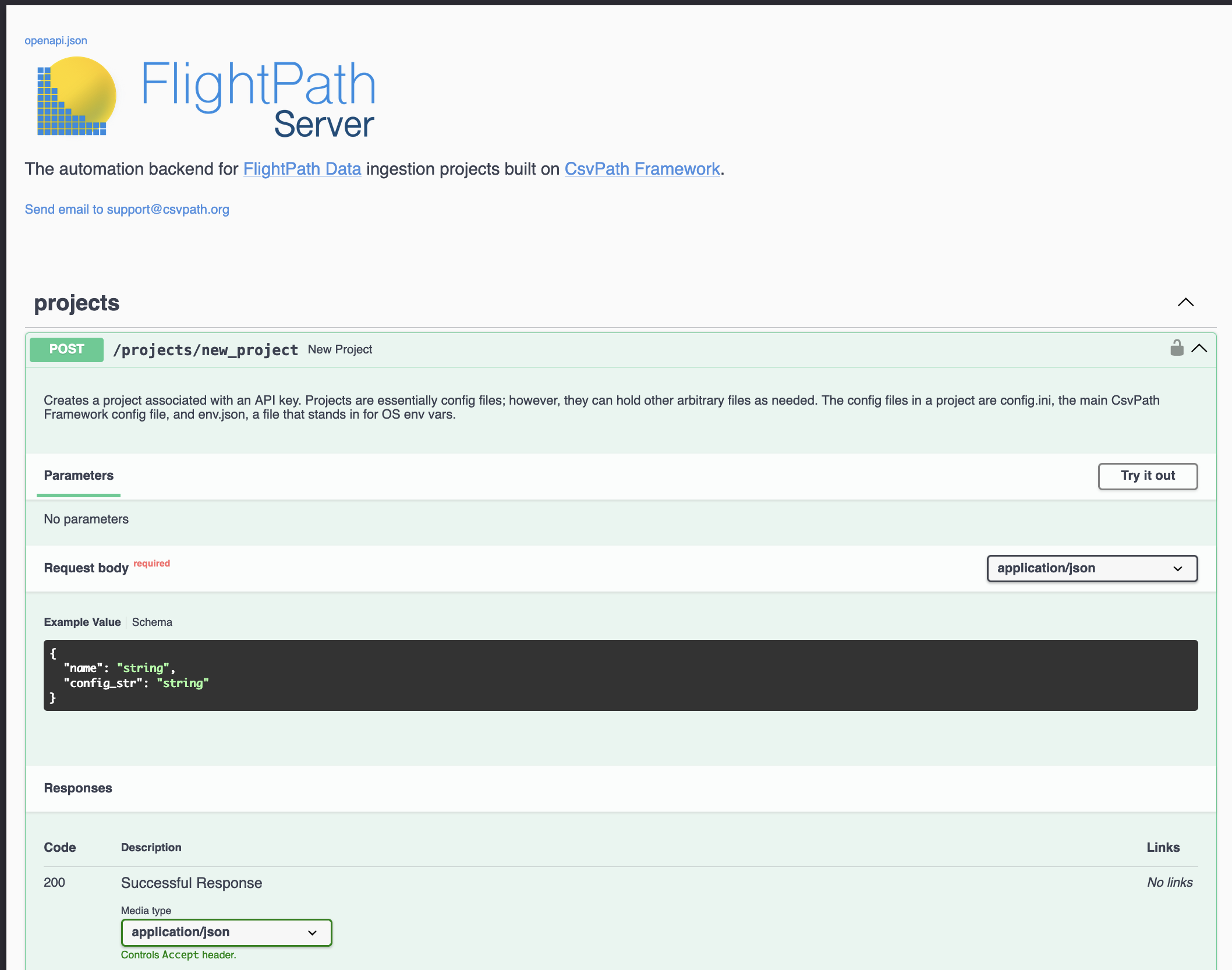
The FlightPath Server API docs are here
Receiving files from an MFT server
Most managed file transfer servers can send a notification event to an HTTP endpoint. When files arrive in an account, trading partner, or transaction, the server calls a webhook to trigger processing. FlightPath Server has two end points for receiving file arrival alerts:
/csvpath/register/csvpath/register_and_runThe first endpoint receives the notification and pulls the file into the named-files staging area.
The second endpoint goes further in that after registering the data it starts a run immediately, resulting in new assets going to the archive.
Example using SFTPGo
SFTPGo is an open source SFTP server with commercial support available. The most common use case is triggering a FlightPath Server action when a file arrives in SFTPGo. As this step-by-step shows, connecting SFTPGo to FlightPath Server is a fast, no-code exercise.
Inspect staged files
FlightPath Server provides access to two immutable, versioned file stores:
- Named-files
- Archive
(You can change the default names in your project’s config/config.ini)
The named-files store is where you stage incoming raw files. Each named-file is a constant identifiers for a changing series of inbound files. Named-files are typically regular data file feeds with tabular information like orders, sales, registrations, etc. Each named-file version that arrives is considered untrustworthy raw data that must be validated, and possibly upgraded, before being published to downstream consumers.
A named-file can be organized as a directory tree or a flat sequence. It is a flexible structure that can closely match how you store files today. To ingest a newly arrived data file into a named-file you run it through csvpath scripts that validate and/or upgrade it. The run can be primed with the named-file name or with a more specific reference to a particular version of the named file.
FlightPath Server’s /find/find_files and /find/get_file endpoints enable you to browse named-files and identify named-file versions.
Find results files from downstream
FlightPath Server provides downstream access to archives created by CsvPath Framework. Archives are created, project-by-project, to hold immutable results of every run performed by FlightPath Server.
FlightPath Server provides a browse and query interface to each project archive. You can organize your archive as a flat list or in directory trees. A simple query language let’s you identify data and metadata files by path, run time, sequence, and/or csvpath script.
Several of FlightPath Server’s endpoints help you access data published in a project’s archive.
/csvpath/find_completed_runs/csvpath/get_run_path/find/find_results/find/get_result
The metadata and printout information of individual results are available from:
/csvpath/get_run_errors/csvpath/get_run_metadata/csvpath/get_run_variables/csvpath/get_run_printouts
Populate a data lake bronze layer
Data lakes that are organized in an Olympic metal-tiered structure take raw or nearly raw data into their first bronze layer. CsvPath Framework acts as a trusted internal data partner to the data lake in order to shift data quality control as close to the unreliable data source as possible. This shift-left addresses data quality issues where they are least costly and most tractable.
There are two main options for preboarding data from FlightPath Server into the data lake bronze layer. The data lake can receive data published from FlightPath Server. Or FlightPath Server’s archive can be a well-defined landing zone within the bronze layer itself. Both approaches control inbound data files and give you the validation and traceability you need.
Investigate a data problem
Despite best efforts, a few data problems inevitably make it to production. When problems are identified they must be tracked back to the error source. CsvPath Framework makes data file feed forensics straightforward. FlightPath Server provides access to the metadata collected as data is ingested so you can trace all the way back to the original data source, if needed.
Finding the source of problems requires knowing:
- What data was pulled into production
- How that data set was generated
- Who was involved in generating it
- What steps were performed
- Which files were the source of the data
- When did the files arrive and where did they land
- Who was responsible for sending the data
FlightPath Server and FlightPath Data make it easy to assemble this information so you have a complete picture of what happened.
Call a webhook after a run
When CsvPath Framework completes a run it can take a number of actions. These include copying files to locations outside the archive, running scripts, posting messages to Slack, and calling webhooks.
Calling webhooks is especially powerful because you can easily create webhook-driven low-code workflows using internally hosted servers like StackStorm or external services like IFTTT or Zapier. These platforms can connect FlightPath Server to email, helpdesk, workflow, ETL systems, enterprise applications, and much more.
Monitor arriving data and runs
Data pipeline observability is an important part of effective DataOps. CsvPath Framework supports observability platforms based on OpenTelemetry and OpenLineage. Linking your CsvPath Framework runs into an end-to-end data flow is a simple matter of giving FlightPath your OTLP or OpenLineage server address and key.
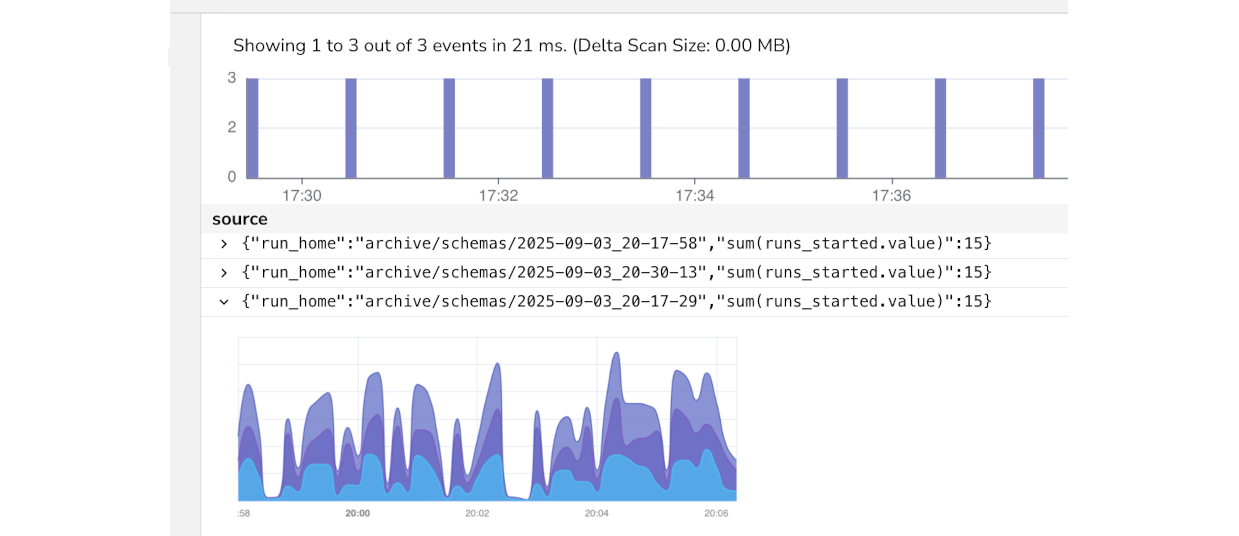
CsvPath Framework uses these open protocols to provide specific data observability insight, not just log aggregation, by pushing metadata events at pivotal moments in the data lifecycle. Using any of the dozens of platforms like OpenObserve, Grafana, and New Relic that CsvPath Framework supports, you can create detailed visual dashboards and threshold-triggered alerts. The combination of data file feed preboarding and the leading observability platforms lets you shift-left your ingestion quality and performance monitoring.