How To Create a Group From a JSON Definition File
FlightPath manages csvpath statements in files and groups. Multiple csvpath statements can live in a file. All of the statements in the file will be a part of the same group. A named-paths group can be created from a JSON definition that points to multiple files. The definition file also holds other configuration items, such as templates and webhooks.
Templates are used to register files at a specific path within a named-file. This allows the structure of the named-file to follow the path structure of the arriving files and/or be laid out to match another system. You can learn more about templates on https://www.csvpath.org.
How to do it
- Navigate to your project’s
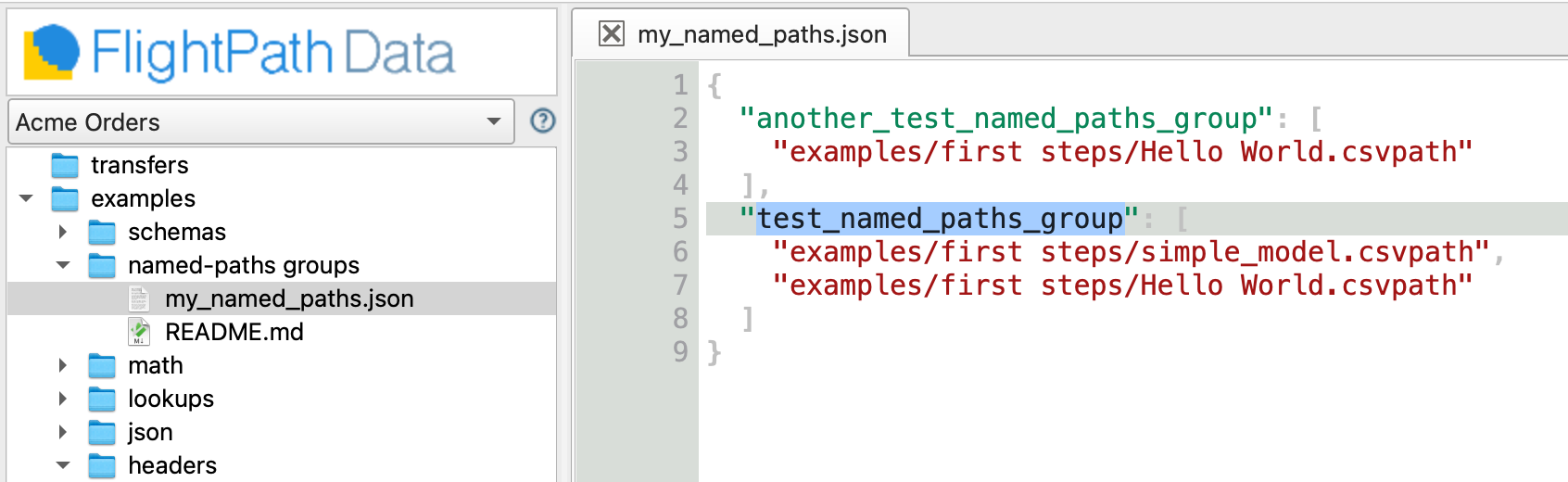
examples/named-paths groupsfolder - Open
my_named_paths.json - See that
my_named_paths.jsondefines two named-paths groups:another_test_named_paths_groupandtest_named_paths_group, each of which identify csvpath statement files. The contents of these csvpath statement files will be the groups.
- Right-click
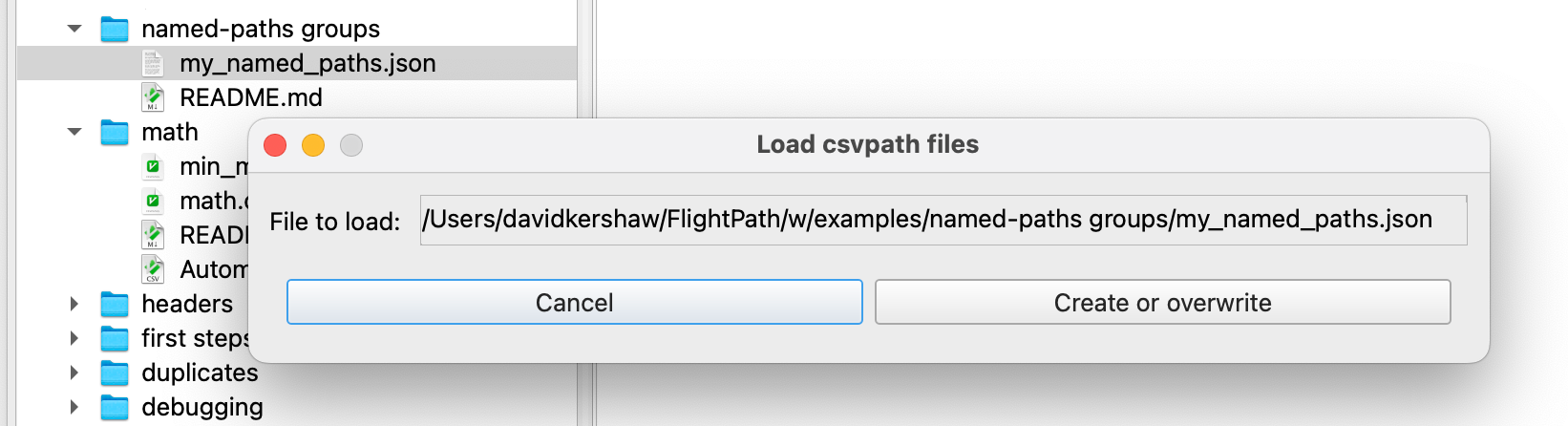
my_named_paths.json. The Load Csvpaths Dialog opens. When loading from a JSON file the form has only two buttons. ClickCreate or overwrite.
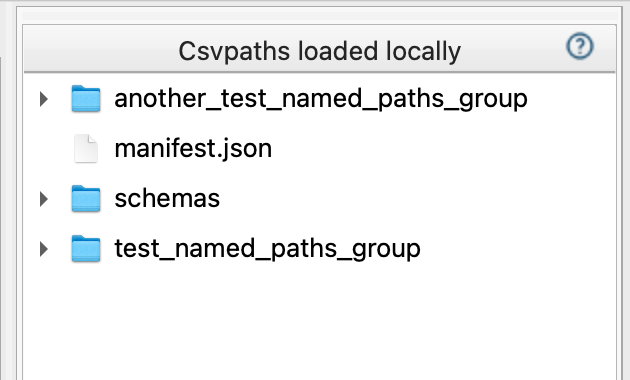
- Look in the named-paths groups window at the middle right. Notice there are now two new groups, as named in the JSON definition.