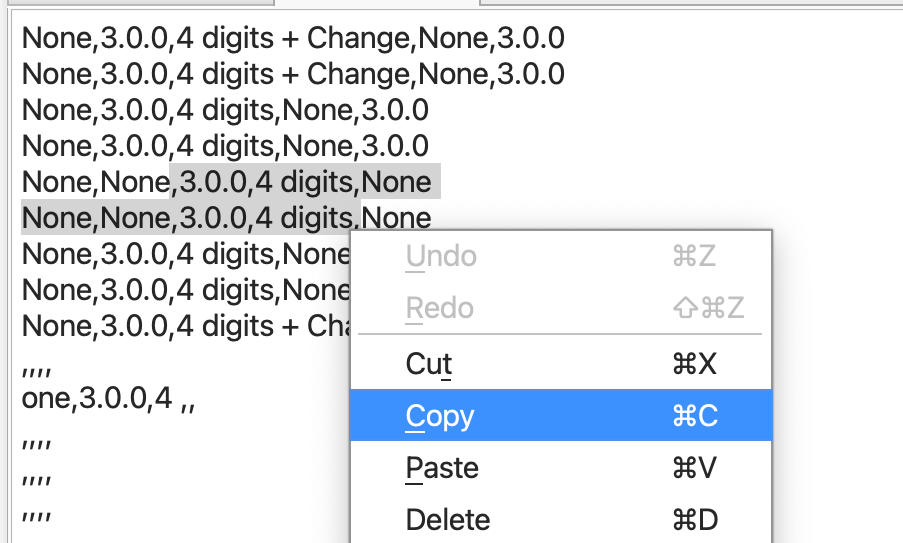
How To Use Copy Options In Data View
There are several useful options for copying data in the Data View. These include:
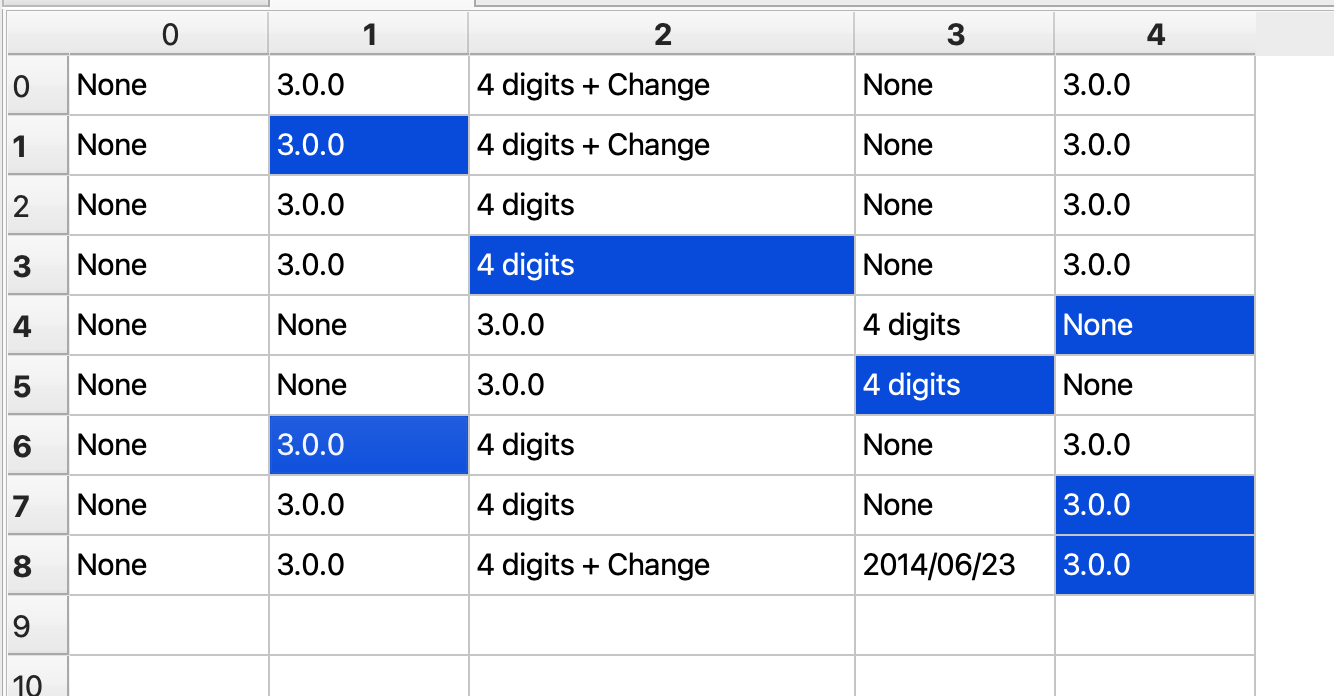
- Irregular copy: Selecting various non-contagious cells to copy as a group
- Copy to file: copying cells that are written to a new file
- Line and header copies: copying whole sets of cells by header or line
- Copy raw: copying the characters underlying a CSV
How to do it
- Open FlightPath
- Navigate to your project’s
examples/schemasfolder - Open
shipping.csv
Irregular copy
- Holding the control key, click any pattern of cells. (Use the command key on MacOS)
- Hit
ctrl-cto copy - Hit
ctrl-vto paste
Copy to new file
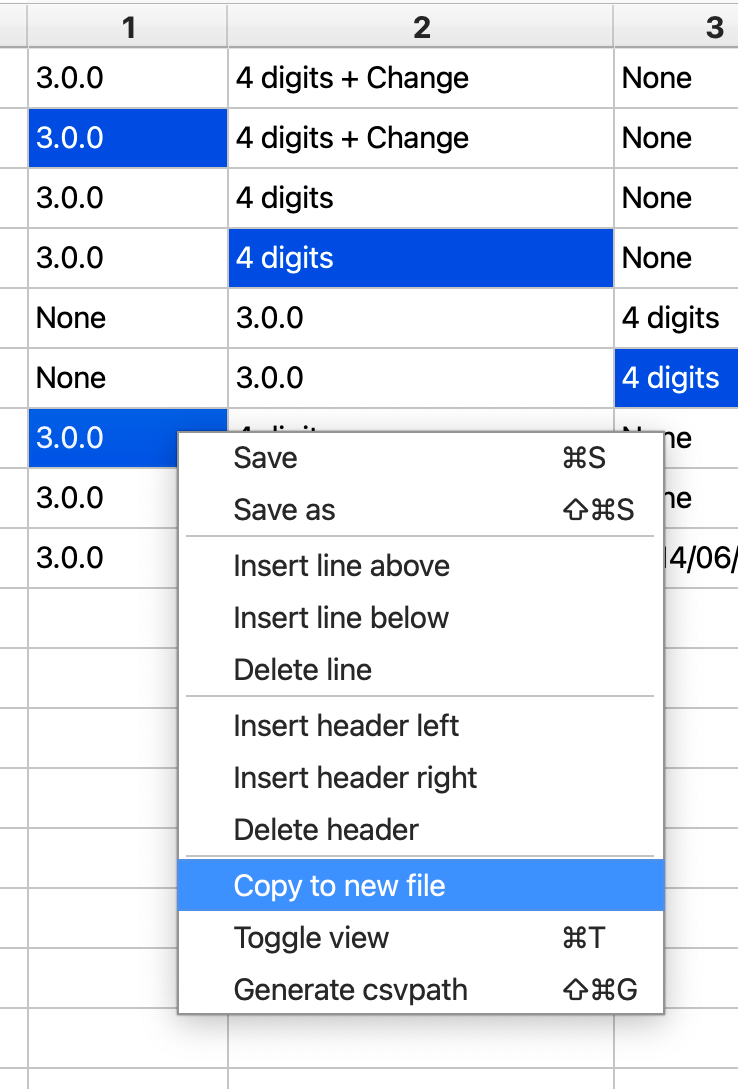
- Select some set of cells
- Right-click and select
Copy to new file - Give the new file a name in the dialog that opens
Line and header copies
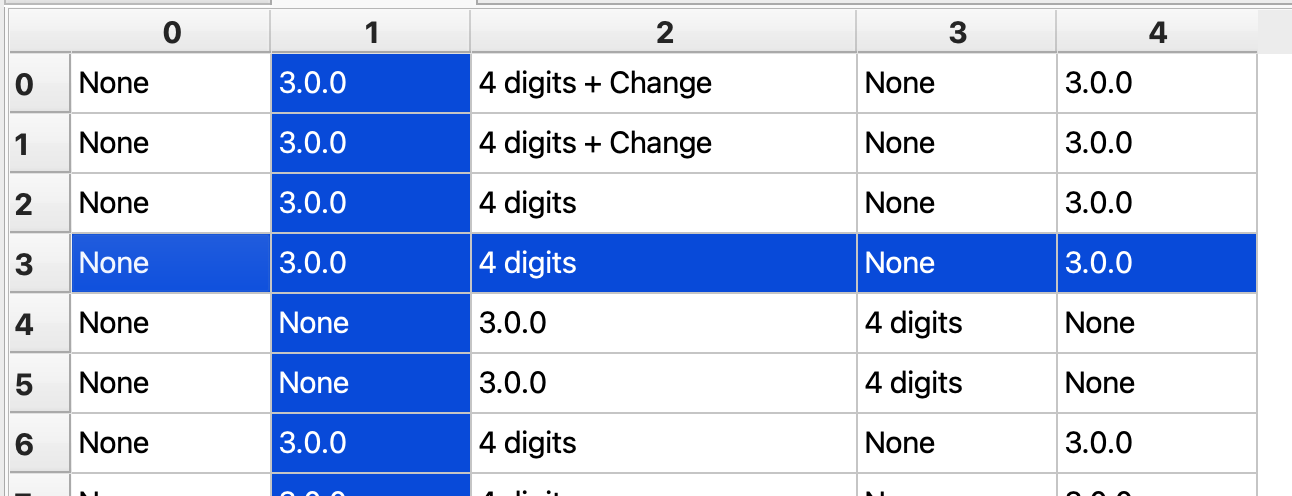
- Select the Y-axis header name or X-axis line number or both
- Move to a target cell
- Hit
ctrl-vto paste
Copy raw
- Click the
Toggle rawbutton in the Data Toolbar

- Copy and paste data using
ctrl-candctrl-v