How To Start a Re-run
Doing a re-run in FlightPath Data is easy and flexible. Since your assets are all immutable, rerunning has no risk of overwrites or confusion. In addition, you can start your re-run at any point in a multi-csvpath group. For example, you could start a five-csvpath group on the third csvpath, using the same source data file or a different one.
Starting a re-run with a specific file or from a specific csvpath requires a reference. A reference is a path-like query that points to a file using dynamic tokens. A reference to a specific file might look like:
$orders.files.:today:last
This reference points into the orders named-file, to the files registered today, and selects the last one. The Rerun Dialog generates the needed reference for you.
You can find lots more information on references and reruns on https://www.csvpath.org. Note that reruns are also referred to more specifically as rewinds or replays, depending on the pattern used.
How to do it
- Setup and do a run, as described here.
- Click the tree in the lower right archive window so you can see the named-paths group
- Open the group so you can see the run directory of the run you just did
- Right-click on the run and select
Repeat run
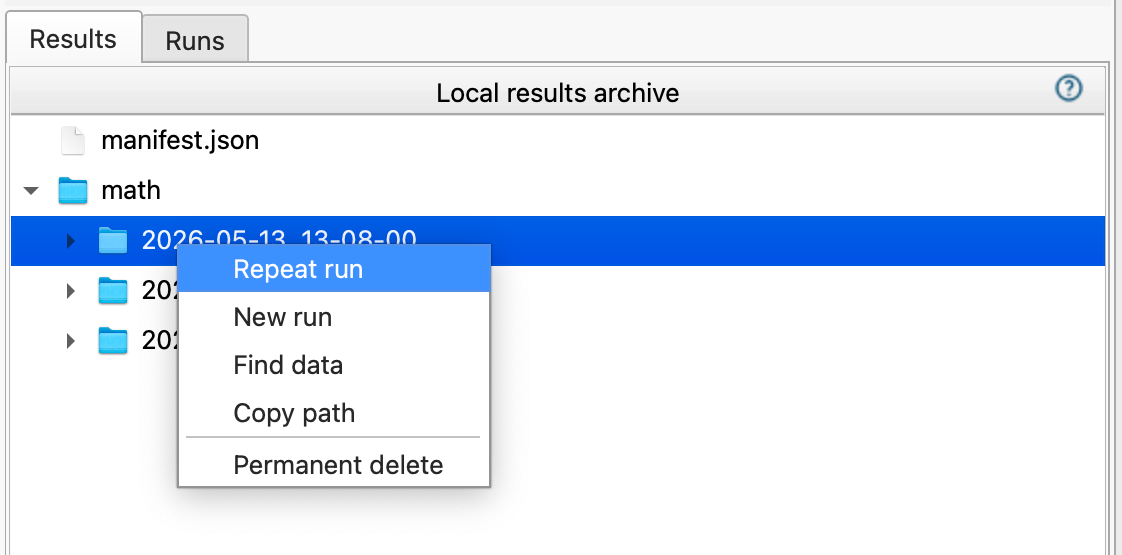
- In the Run Dialog see that the named-file points to a specific file version, rather than just the named-file itself
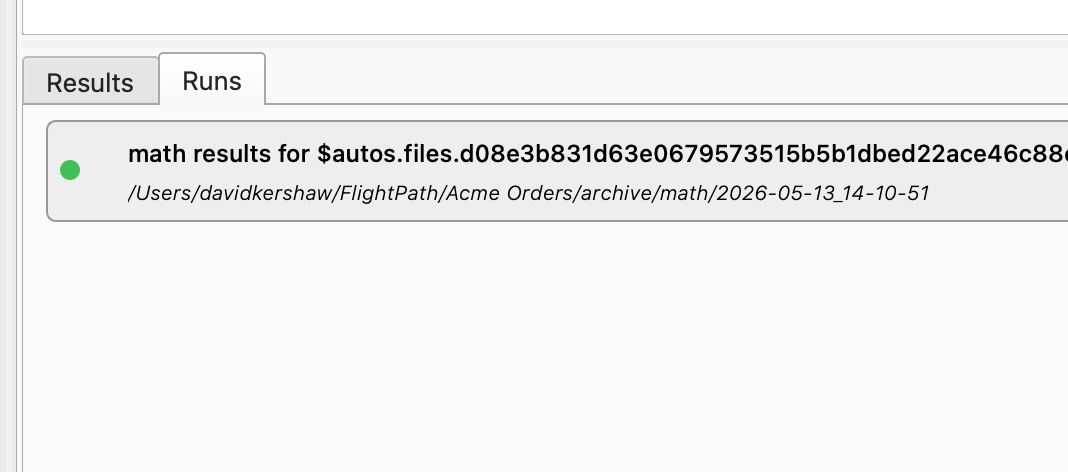
- In the Runs tab the run is listed with reference to the specific file version in the name