Editors and Editing Features
- CSV, XLSX, NDJSON, and JSONL
- Edit Excel Worksheets
- JSON and JSONL Simplicity
- Edit as JSON
- Pretty-printing JSON and JSONL
- Write CsvPath Language Validations
- Generate Validations From Data
- Markdown Files
- Metadata Viewer
CSV, XLSX, NDJSON, and JSONL
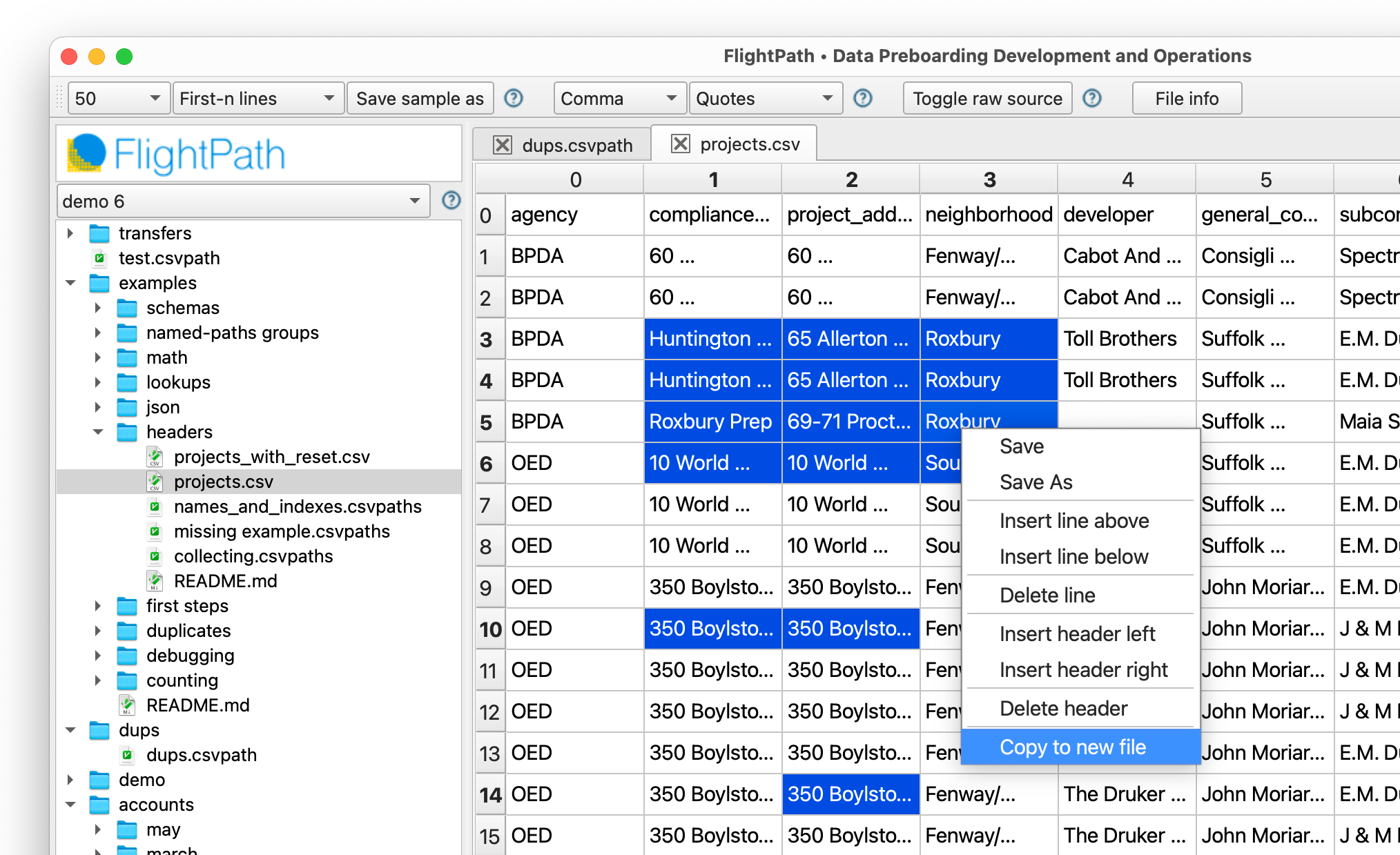
FlightPath Data has a powerful grid view editor for tabular data. The view has advanced capabilities, including copying irregular cells and creating new files from the clipboard. You can toggle to view the raw text anytime.
Edit Excel Worksheets
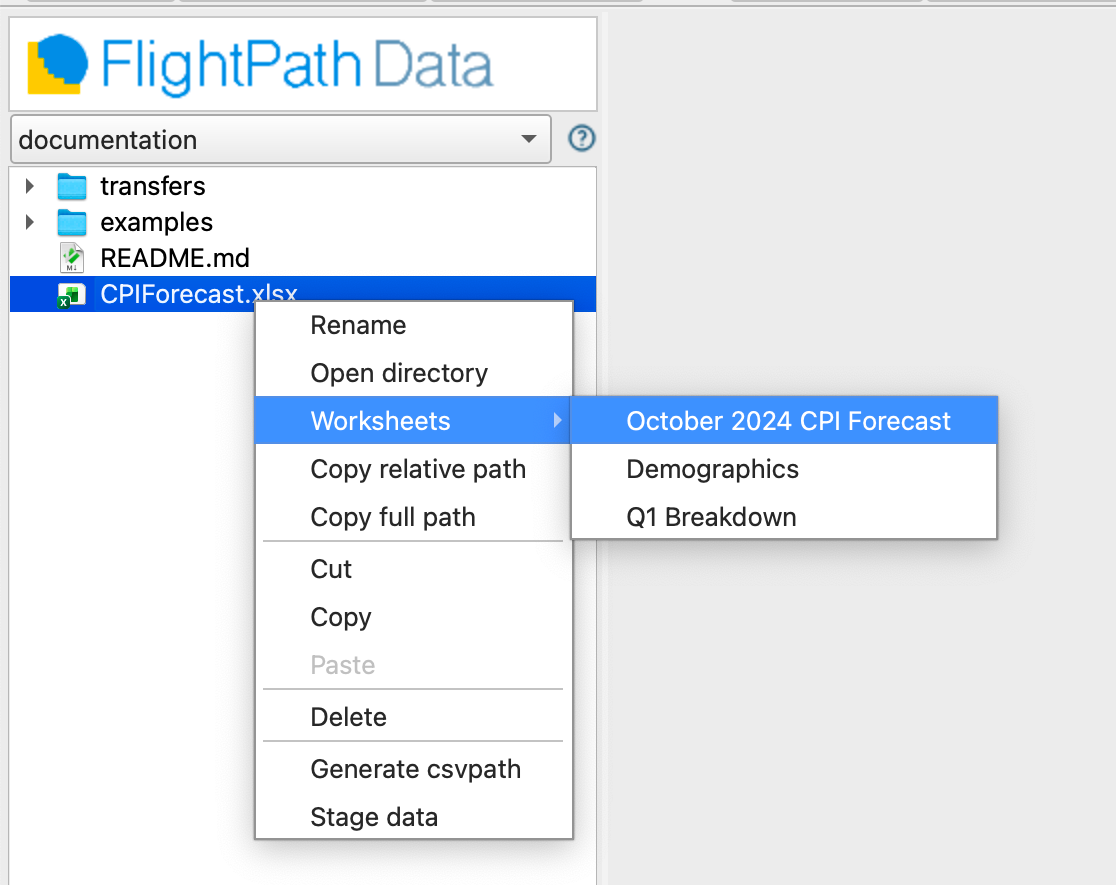
FlightPath lets you work with worksheets within Excel documents. Access a worksheet by right-clicking the name of the file in the project files tree. The context menu shows you a list of the worksheets to choose from.
JSON and JSONL Simplicity
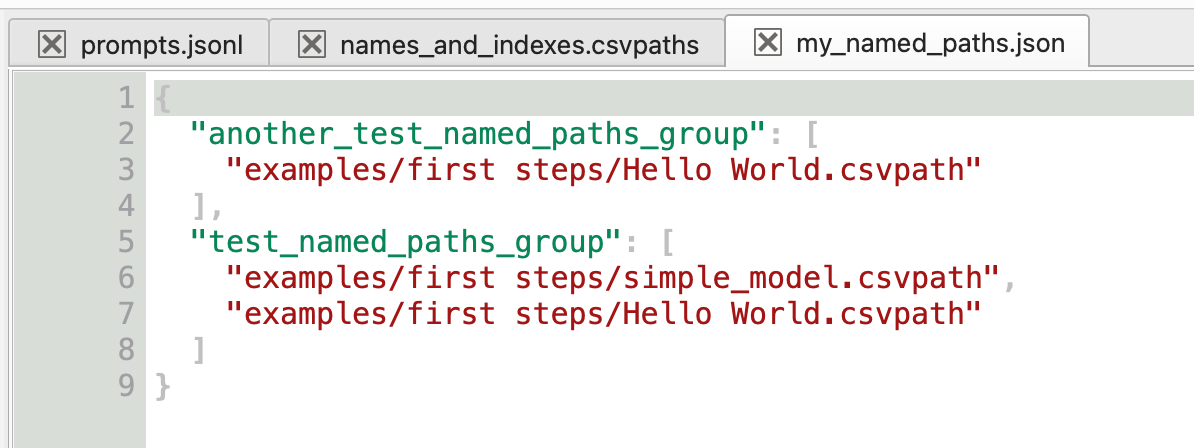
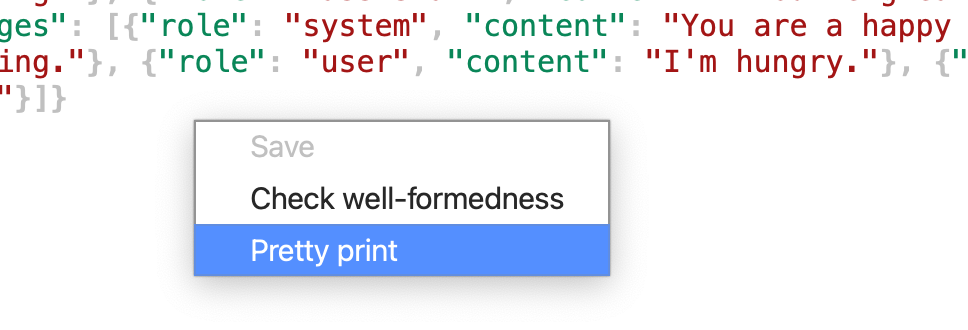
A simple, productive JSON editor makes it easy to edit config files and JSONL files. Pretty-printing and checking well-formedness handles JSONL’s particularities, as well as more typical JSON.
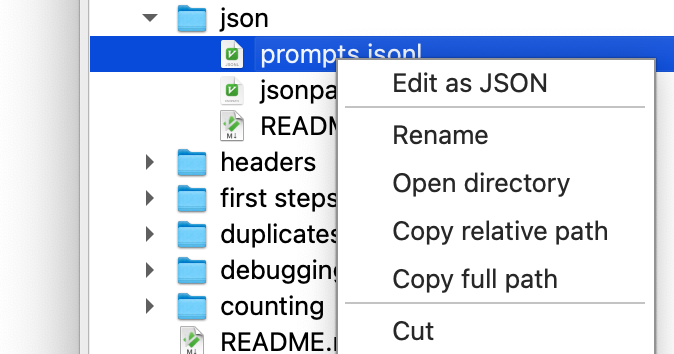
Edit as JSON
Right-click on a JSONL file to edit it in the text view, rather than the grid editor.
Pretty-printing JSON and JSONL
Pretty printing means something different in JSON and JSONL. JSONL is a series of one-line JSON docs; a structure that is not valid JSON. FlightPath Data knows how to format and validate both.
Write CsvPath Language Validations
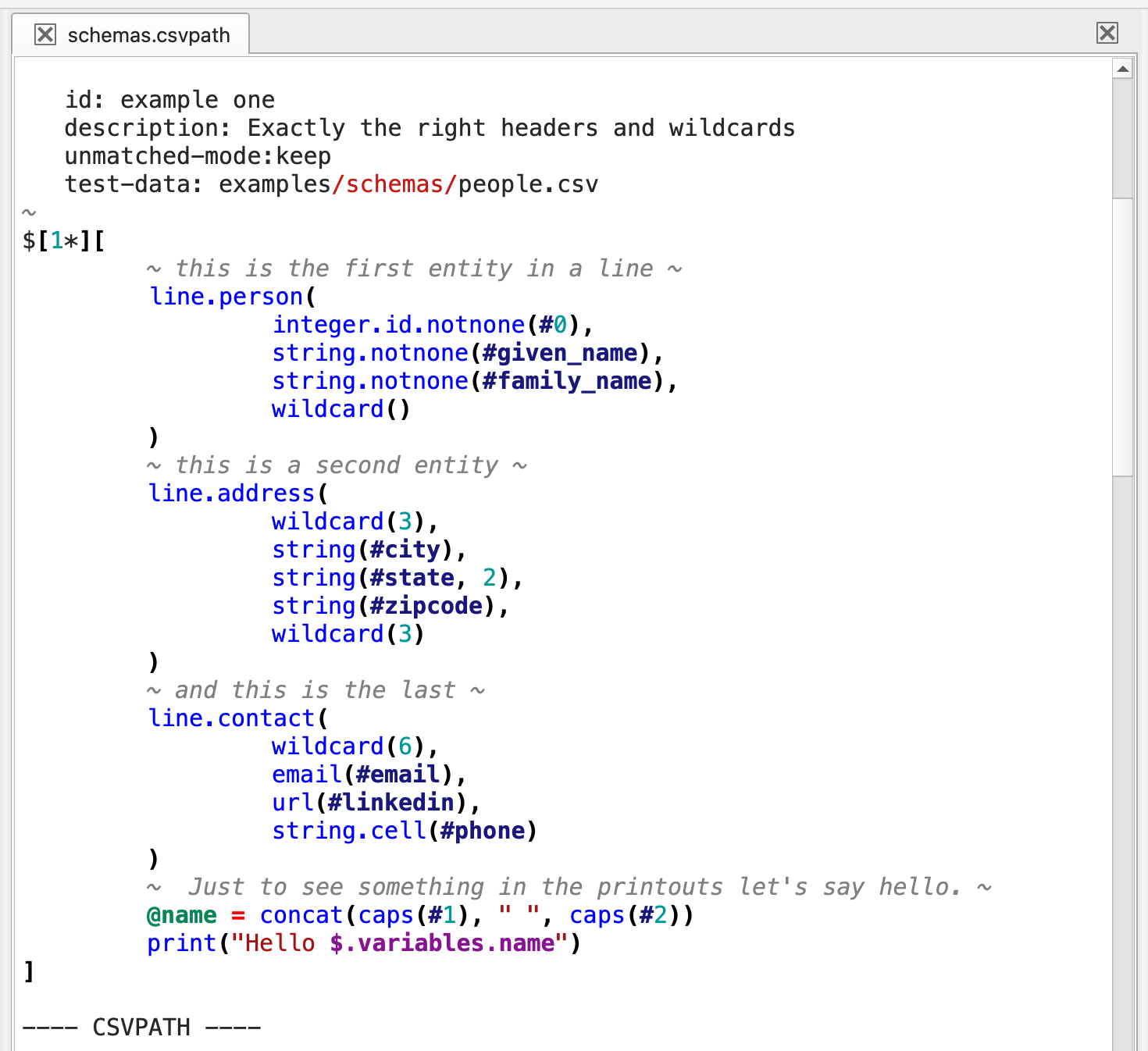
Before you can load preboarding steps into CsvPath Framework you have to write them. FlightPath makes CsvPath Language more accessible by giving you a syntax highlighted editor with the ability to look up functions and features, create multi-csvpath files, and do one-off runs to iterate on your scripts.
Generate Validations From Data
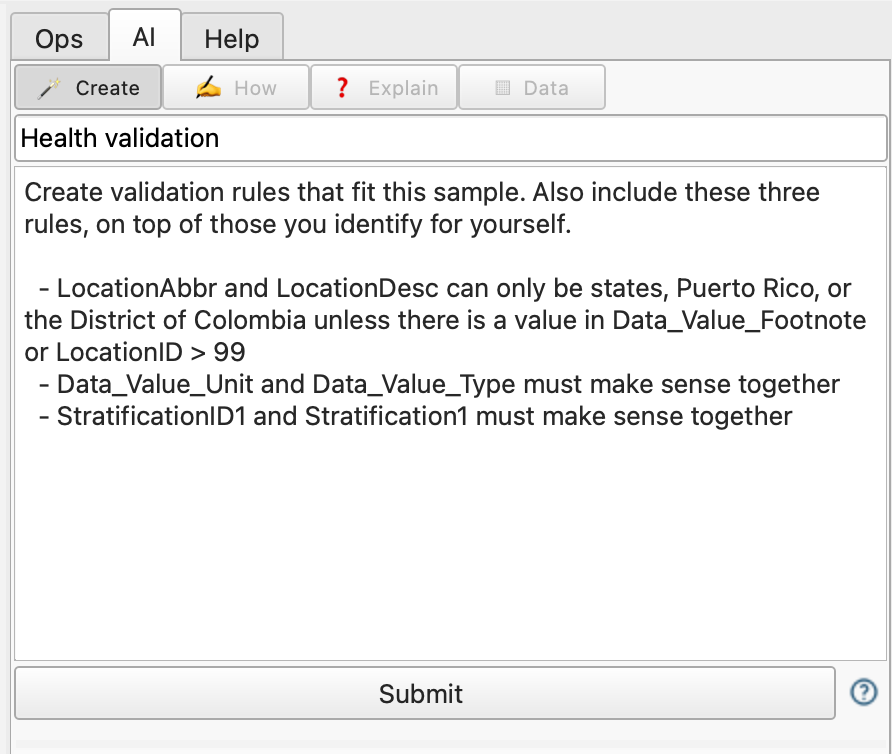
FlightPath can intuit your business rules from looking at a data sample. You can add specific instructions to provide as much detail on requirements as needed. Complex data contracts can be generated into documented sets of test-friendly rules that can be run as a group, skipped as needed, or reused.
Markdown Files
DataOps project organization is not enough. For smooth operations, you also need to have documentation. FlightPath lets you add markdown files for documentation, notes, and instructions.
FlightPath also generates markdown files in every named-file and named-paths group to encourage you to document your production assets. Those deployed markdown files are the only operational files that can be directly edited.
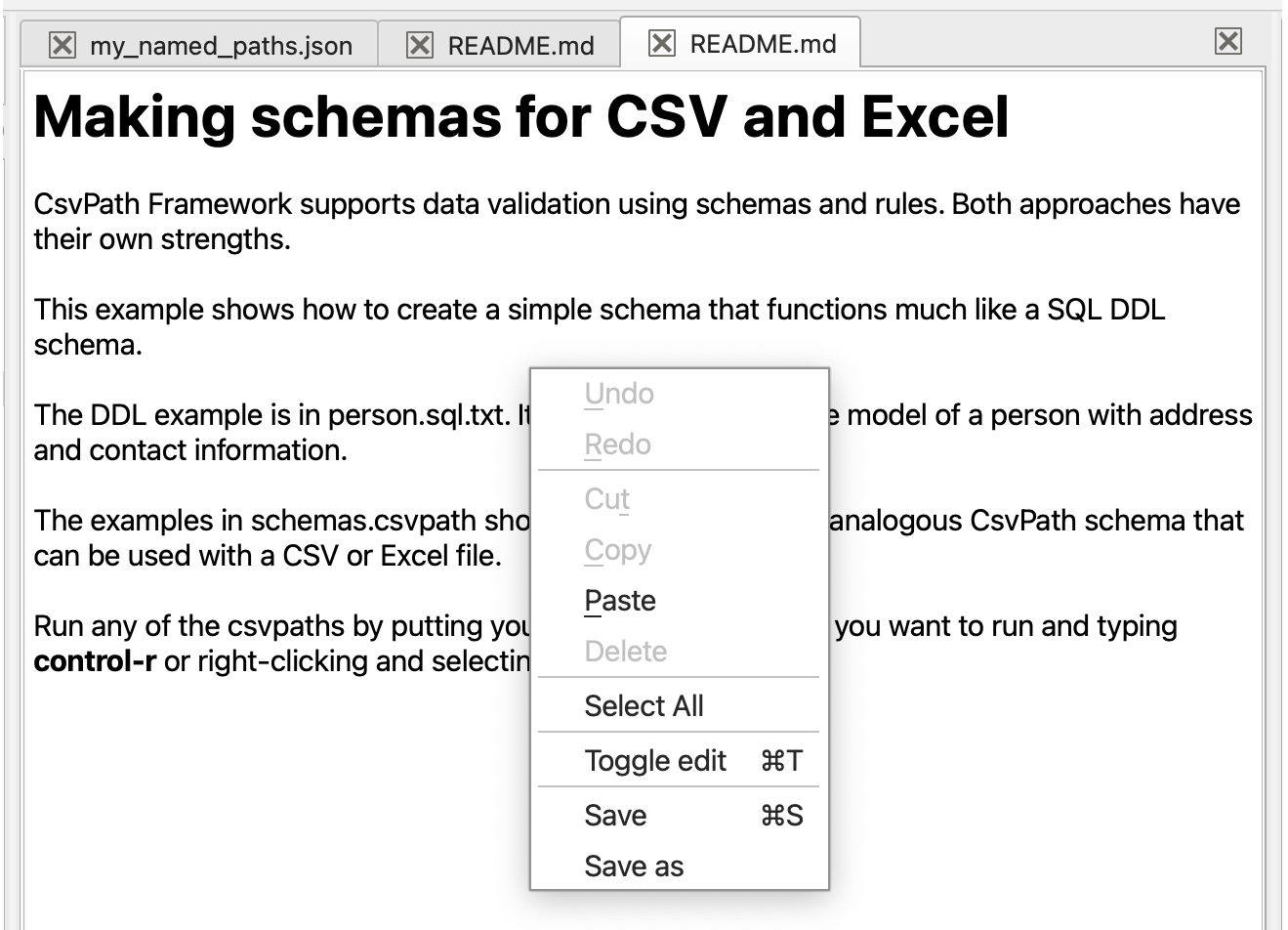
You can edit Markdown files in rendered form, or use the context menu or ctrl-t to toggle into raw text for easy formatting.
Metadata Viewer
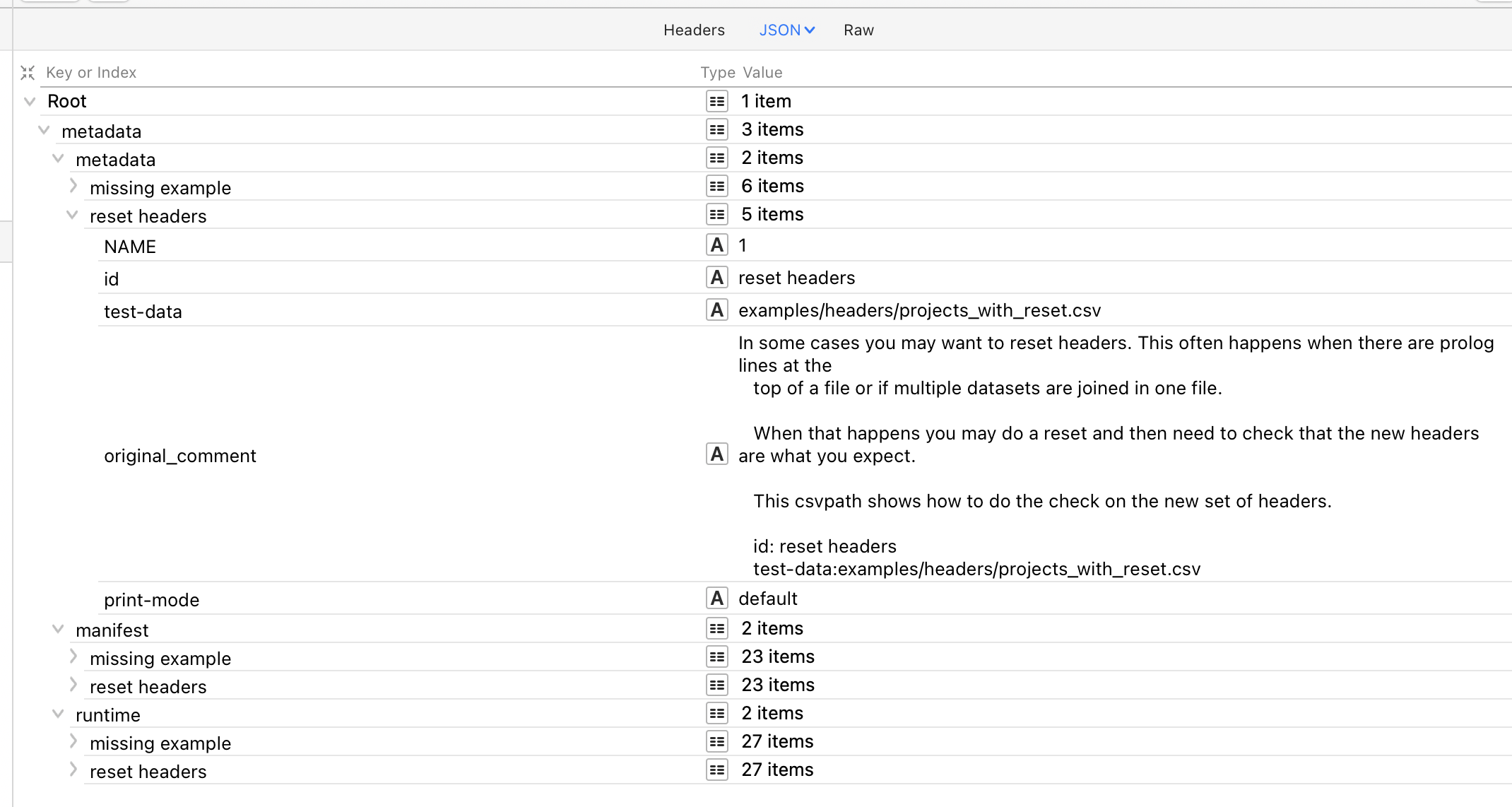
FlightPath Data generates and presents copious metadata, including run details, file and validation group definitions, and much more. The Metadata Viewer gives a more concise and easier to search view of metadata files, some of which can be large.