The Activation Dialog
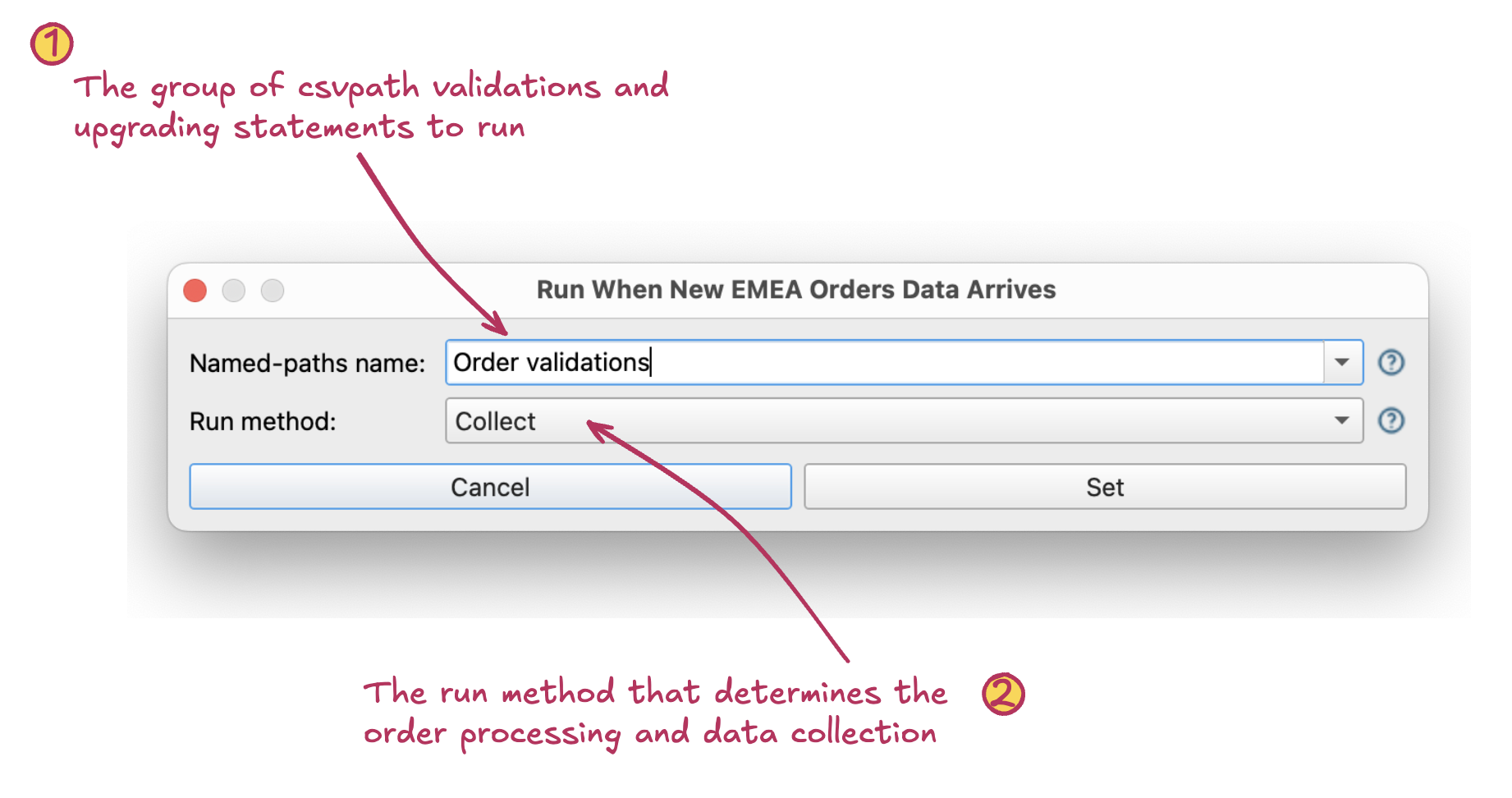 The Activation Dialog automatically triggers runs when new data arrives. This dialog is opened by right-clicking a named-file.
 - Named-paths group. The named-paths group name. This group will be applied to the incoming file.
- Run method. The run method determines which of four run profiles is used for the run:
- Collect: runs the new data through the csvpaths in the group serially, collecting matched lines for each
- Fast-forward: runs the new data through the group serially, but does not collect matching lines
- Collect by line: Runs each line of the new data through each csvpath of the group, breadth-first, before continuing to the next line
- Fast-forward by line: Runs the data through the group breadth-first, but does not collect any matching lines