The FlightPath Data UI: The Env Form
Env
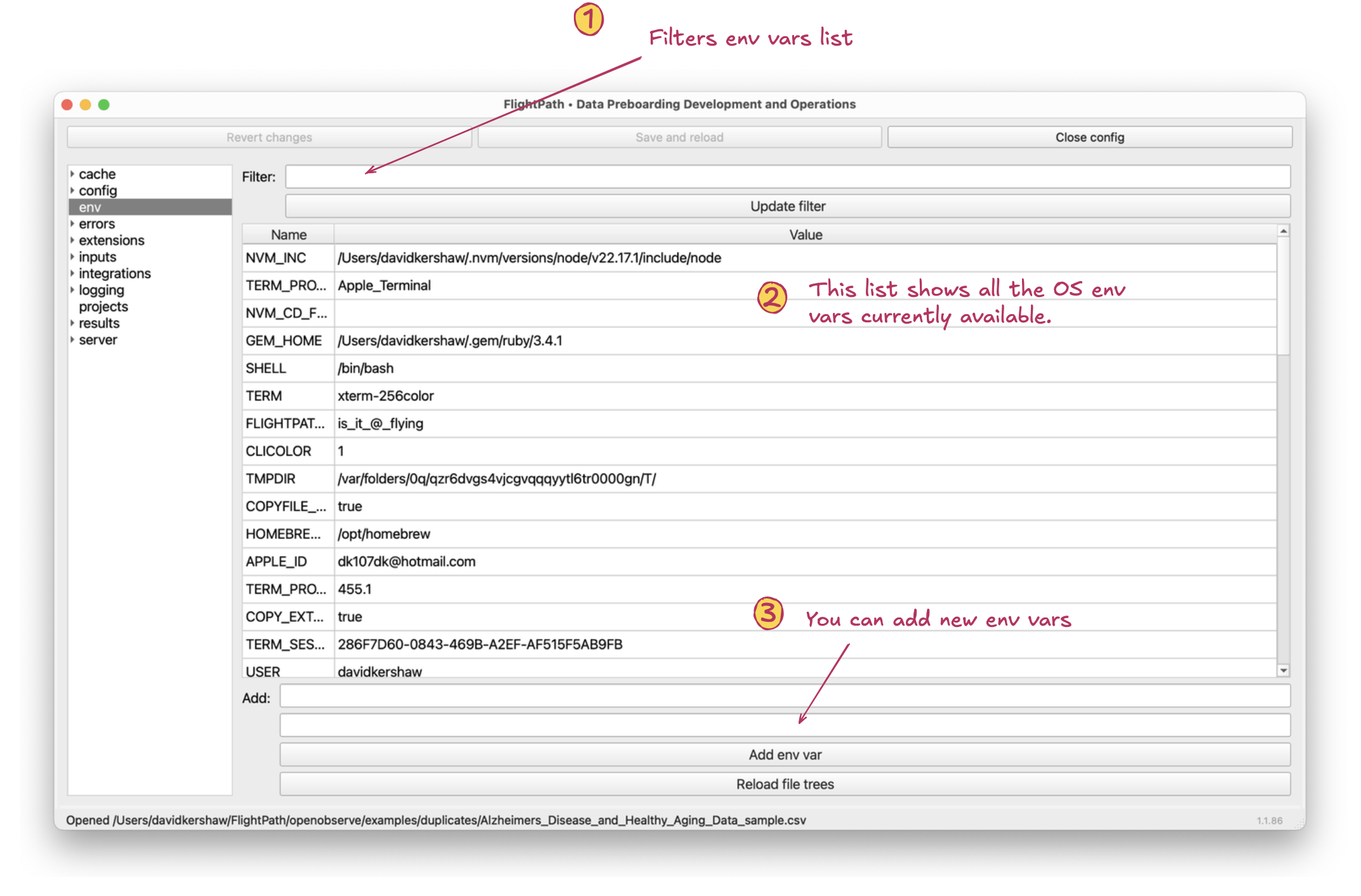
The env form
- Filter. This filter allows you to see only env vars that match a string.
- List of OS env vars. This list shows all OS env vars for the currently logged in user. It includes env vars specifically added using this form for use in FlightPath Data.
- Add env var. Adds an OS env var. OS env vars set during an app session do not persist after the app is shutdown. For this reason, FlightPath Data adds the app not only to the OS env, but also to
.flightpathin the user’s home directory. When FlightPath Data starts it adds all the env vars it knows about to the OS env vars so that the set of variables is consistent for each use of the app.