✨ Configuration and Integration
Configure FlightPath Data and Server Projects
A new FlightPath Data project is primarily a config file. It can be that simple. However, there is a ton of functionality behind the sensible defaults that you can customize for specific situations.
The available project configuration options depend on your context. If you use CsvPath Framework by itself you have full access. FlightPath gives a slightly tuned set of configuration options in order to support its multi-project environment. And as you might guess, FlightPath Server has the most restrictive set of configuration options, in order to enable multi-project, multi-user operations. Still, all three contexts offer a great deal of flexibility.
Configuring a local FlightPath Data project or FlightPath Server projects happens in the Config panel. Open it by clicking the Open config button at the bottom left.
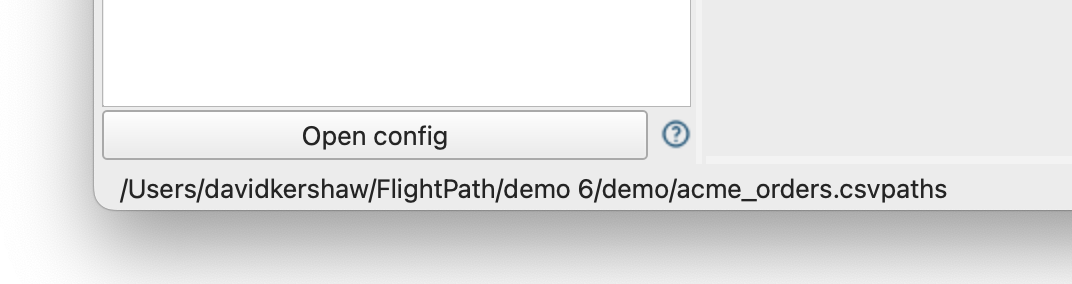
Your first view of the config panel tells you which config file you will be editing. It will always be the config.ini of the project that is open. Below this the help and feedback window will open to give you help each config panel tab.
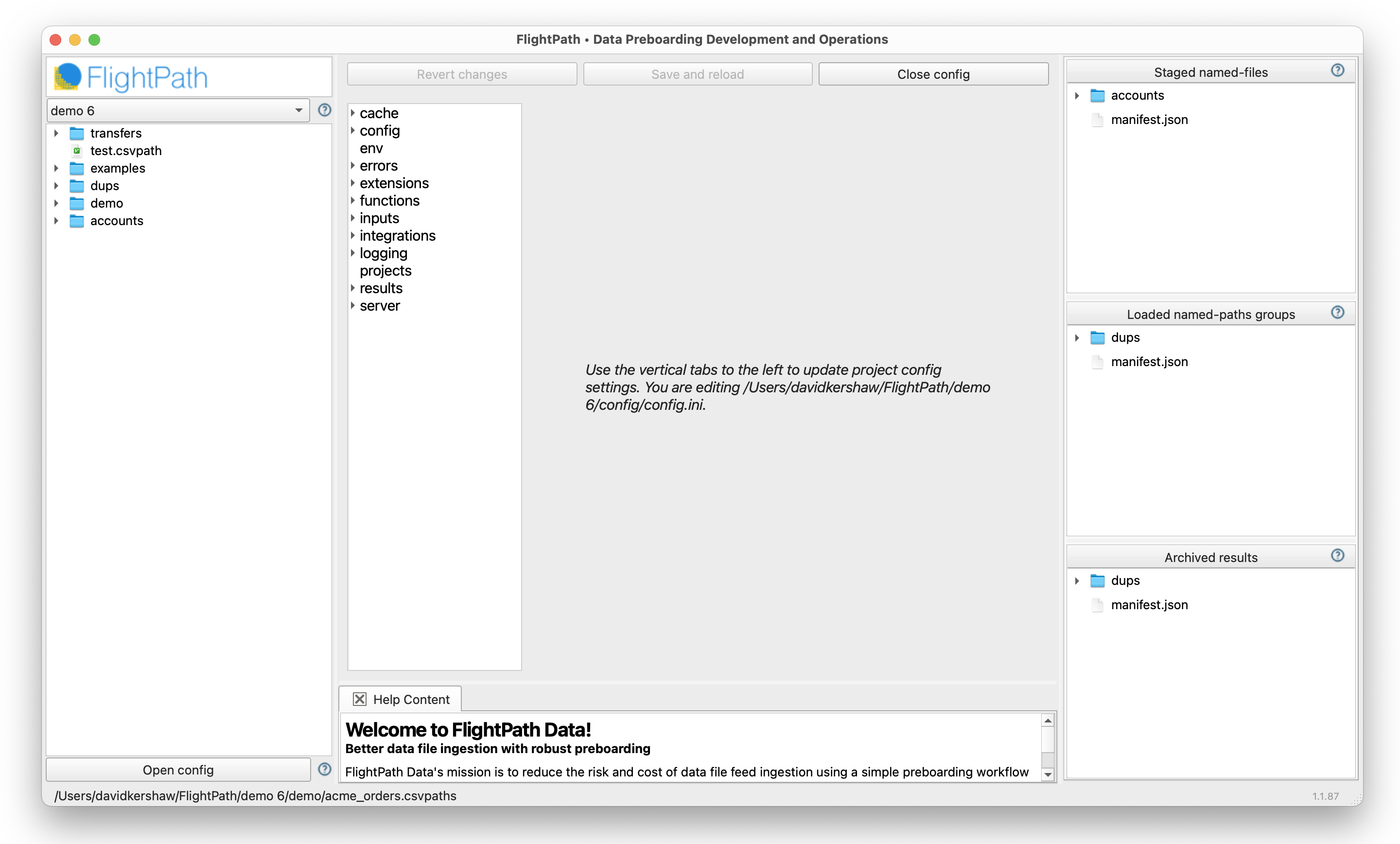
The most important config tabs are:
env- Sets up your environment variables, if needed, to help you work with tools and infrastructureerrors- Determines how CsvPath Framework responds to validation errorsinputs- Determines where data files are staged and validation and upgrading scripts are loadedintegrations- Enables you to set up configuration for SFTP, OTLP, and other DataOps infrastructureresults- Sets the location of the results archiveserver- This is where you create and manage FlightPath Server projects
For simple getting started projects you may not need to use any of these. Certainly not right away. When you do need them, remember that the help and feedback window will show help on each tab as you visit it.
When you make changes to the config tabs click the Save and reload button at the top to update your config file and reload your project. In most cases your setting take immediate effect.