✨ Using FlightPath Server
Create Server Projects
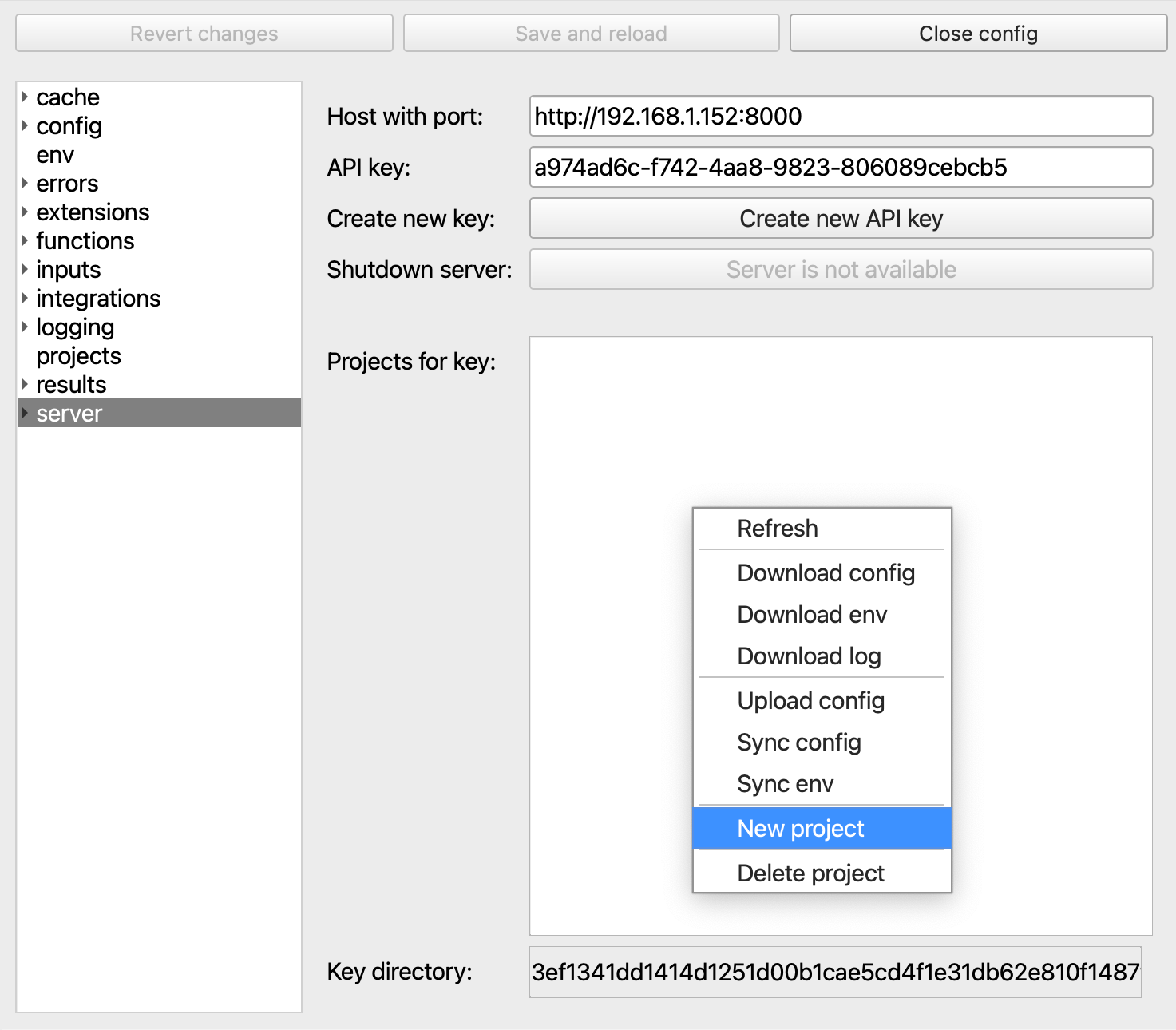
You can create a new FlightPath Server quite easily. The steps are:
- Run FlightPath Server
- Open the Config panel and switch to the
servertab - Enter the server address (by default
http://localhost:8000) - Create a first key
- Click
Save and reloadso you don’t lose your work
To create your first project right-click in the Projects for key box and select New project
Manage Config
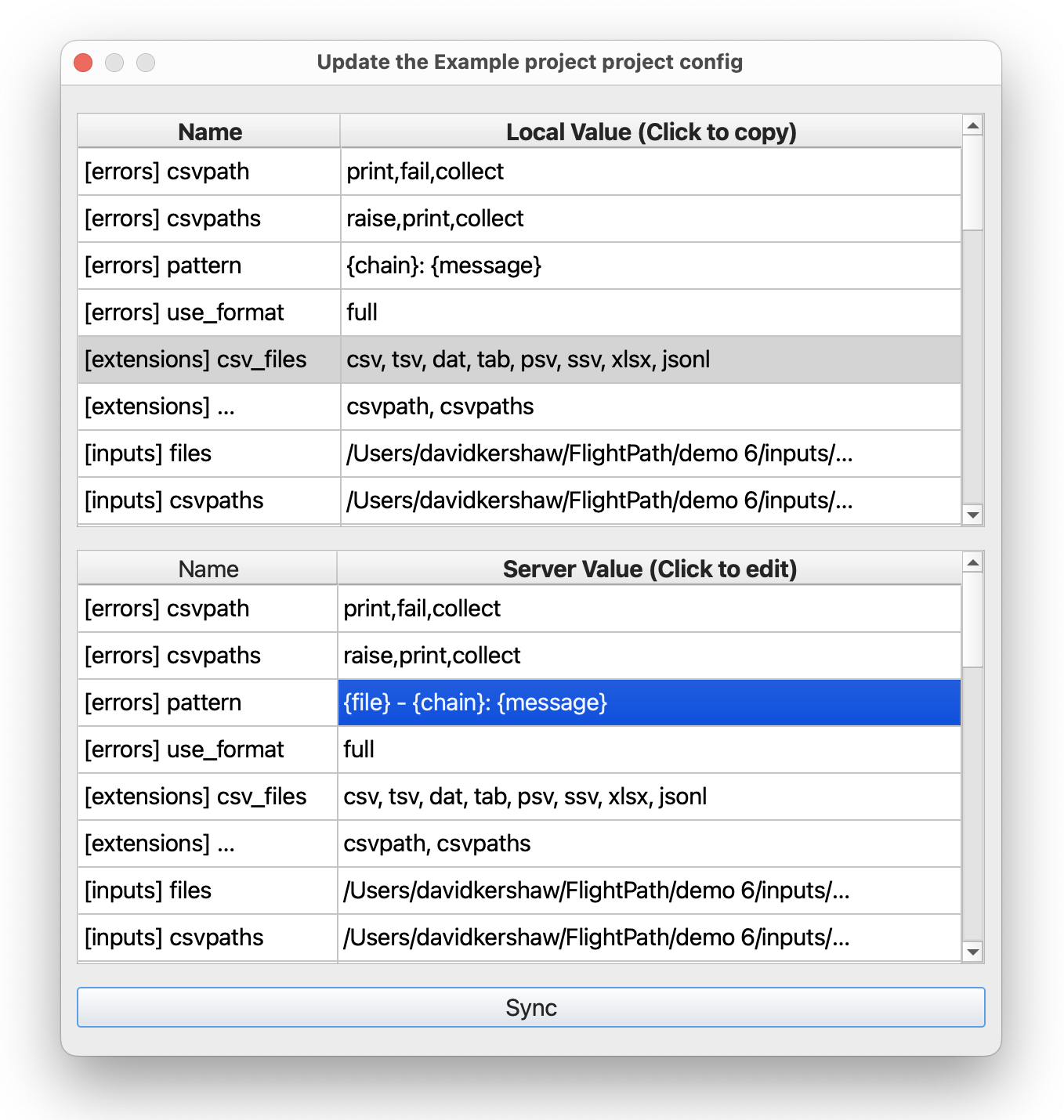
When it’s time to push a local project to the server you can upload the project config in one go. But more often there are differences between the development project and the server project. The config sync dialog lets you copy from one project to the other or edit individual settings on the server.
Manage Env Vars
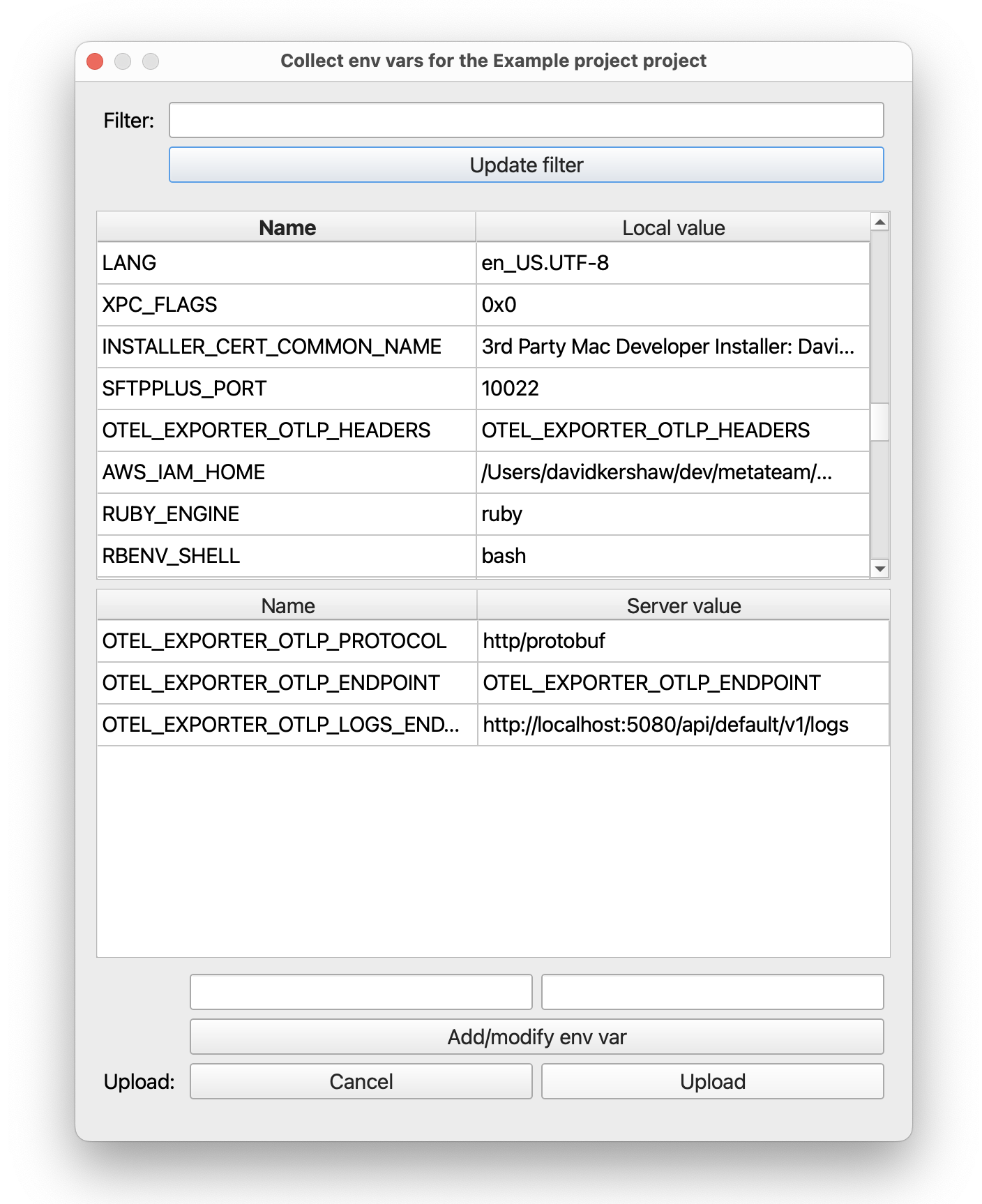
Integrations like OpenTelemetry and backends like Azure and AWS require environment variables. FlightPath Data manages the combination of OS env vars and FlightPath’s own supplimental env vars. When it’s time to push variables to FlightPath Server the env sync dialog makes it easy to copy up what you need and edit any variables that need to change.