Copy In Data View
Options for copying data in the Data View.
How To Use Copy Options In Data View
There are several useful options for copying data in the Data View. These include:
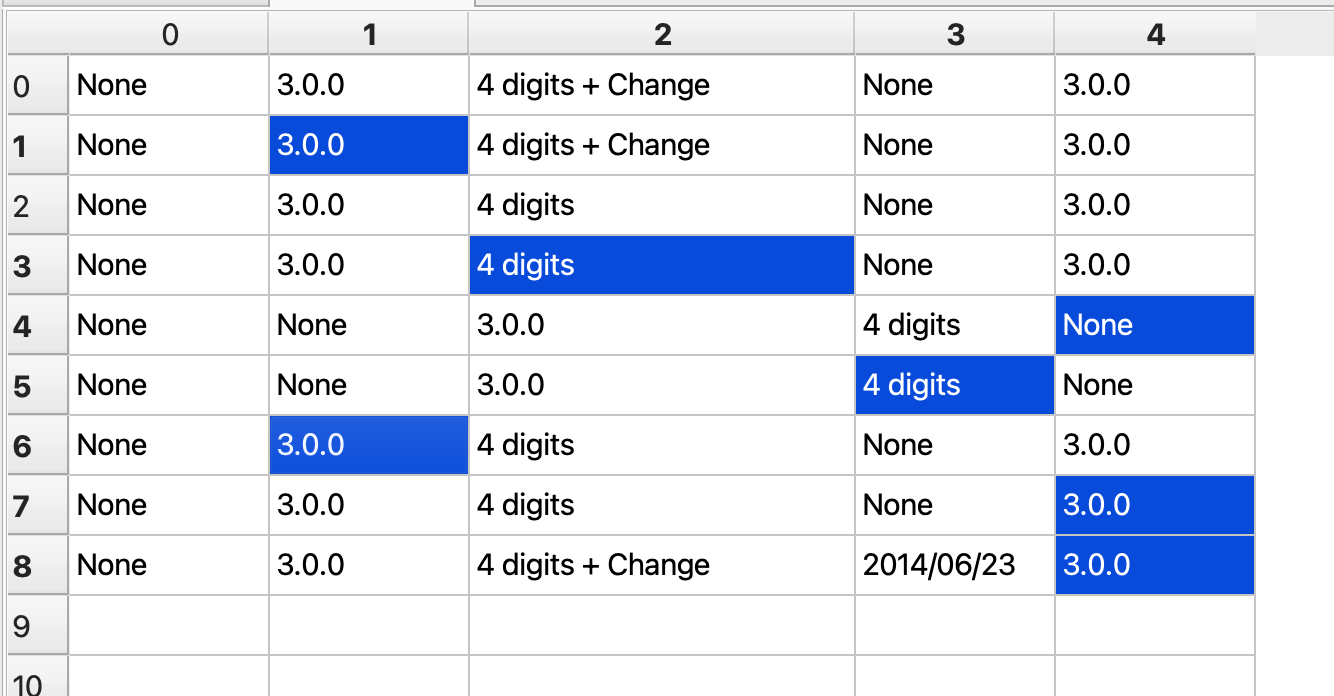
- Irregular copy: Selecting various non-contagious cells to copy as a group
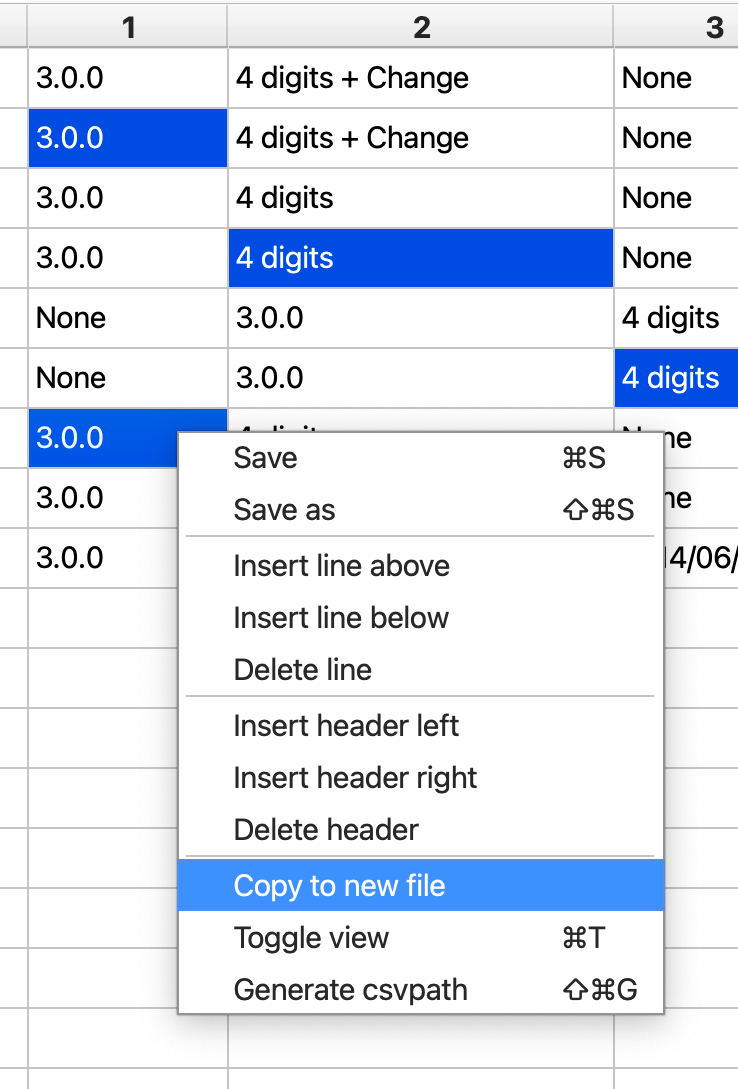
- Copy to file: copying cells that are written to a new file
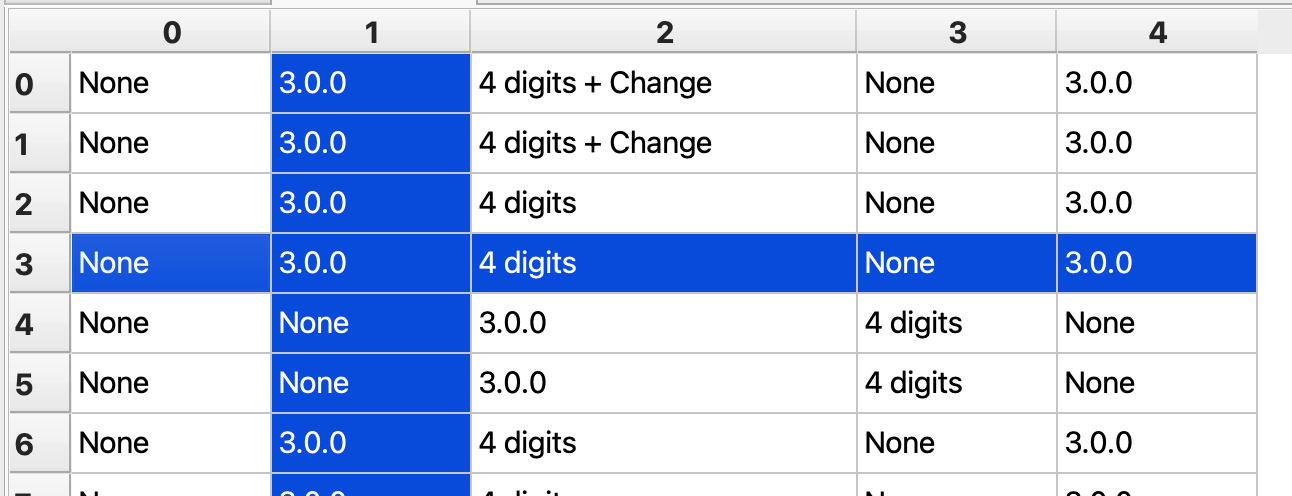
- Line and header copies: copying whole sets of cells by header or line
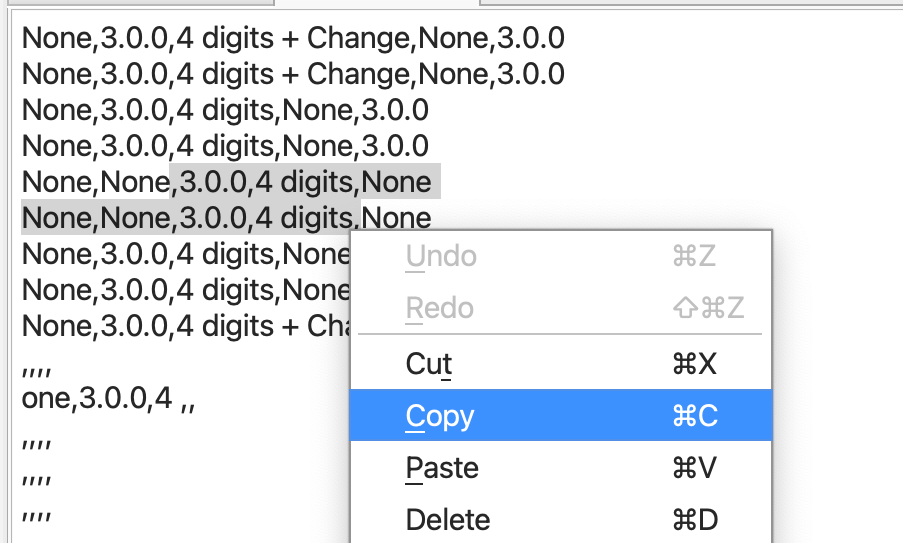
- Copy raw: copying the characters underlying a CSV
How to do it
- Open FlightPath
- Navigate to your project's
examples/schemasfolder - Open
shipping.csv
Irregular copy
- Holding the control key, click any pattern of cells. (Use the command key on MacOS)
- Hit
ctrl-cto copy - Hit
ctrl-vto paste
Copy to new file
Line and header copies
Copy raw
- Click the
Toggle rawbutton in the Data Toolbar